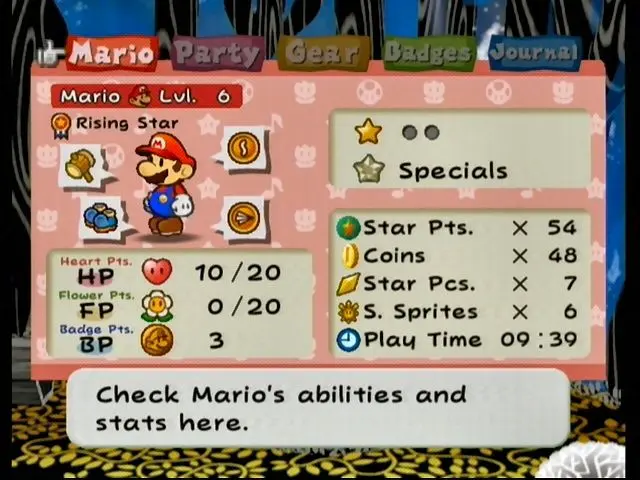
The UI provides vital information during exploration and combat. In the overworld, you'll see Mario's HP (Heart Points) and FP (Flower Points) at the top left. Star Points, which indicate your progress towards leveling up, are also displayed. During battle, the UI expands to show your partners' HP, your Star Power gauge, and available action commands. Pay close attention to enemy HP bars and status effects. The menu, accessed via the Start button, allows you to manage items, badges, partners, and review your Tattle Log. Familiarize yourself with these elements to make informed decisions.