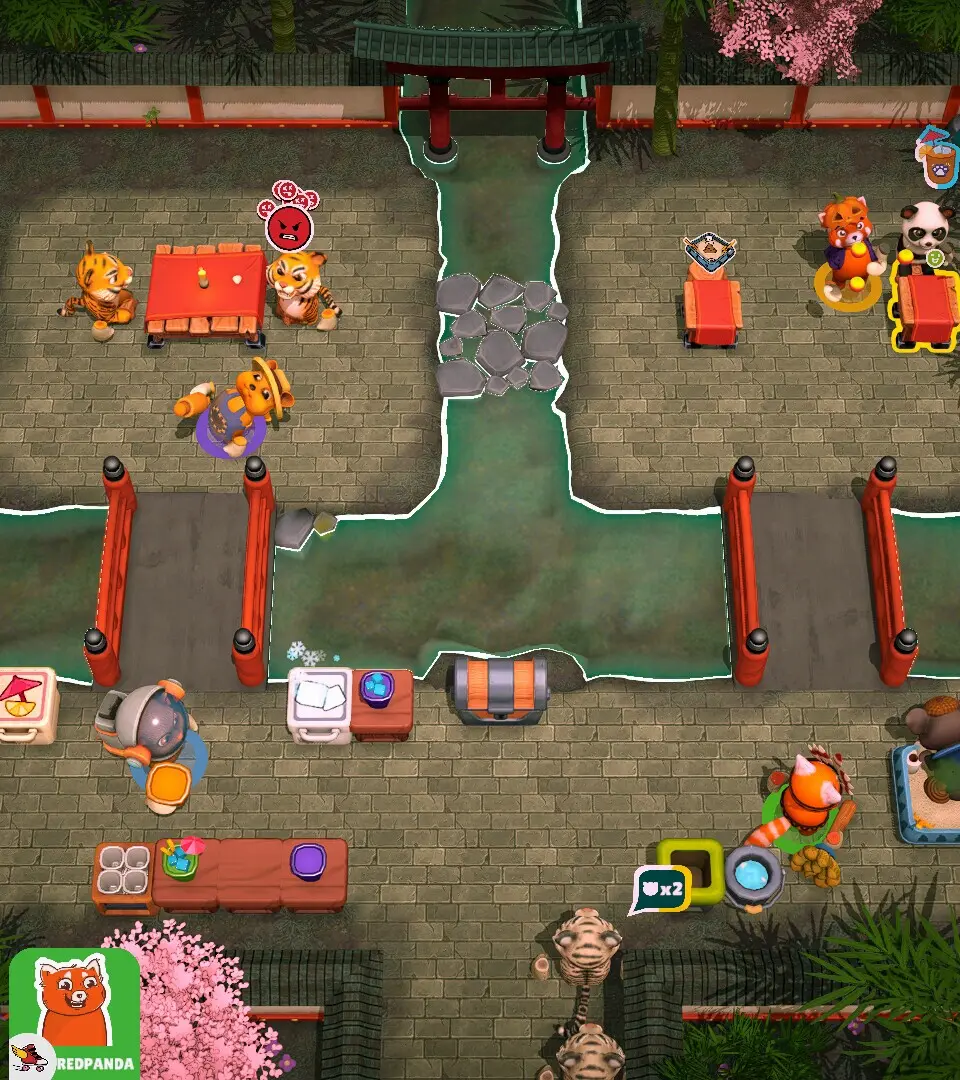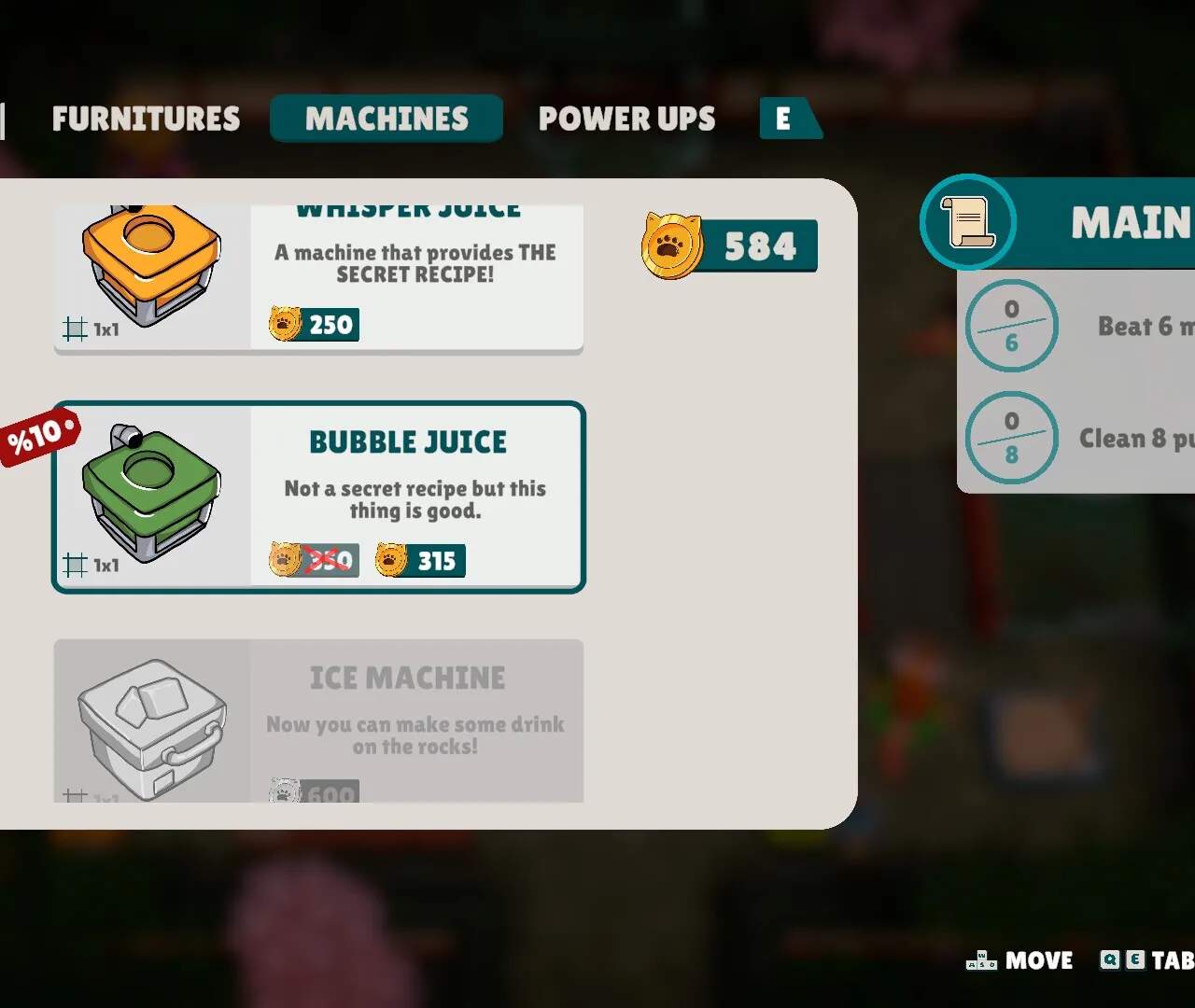
Mastering the controls is fundamental to efficiently navigating your party space and interacting with guests. Party Club offers intuitive controls across all platforms. On PC, use WASD for movement, Spacebar to interact, and the Mouse to control the camera and select UI elements. For console players, the Left Analog Stick controls movement, A/X button for interaction, and the Right Analog Stick for camera. Mobile users will utilize touch-based controls: tap to move, tap to interact, and pinch/swipe for camera control. You can customize keybinds/button layouts in the 'Settings' menu under 'Controls'. Experiment to find what feels most comfortable for you.