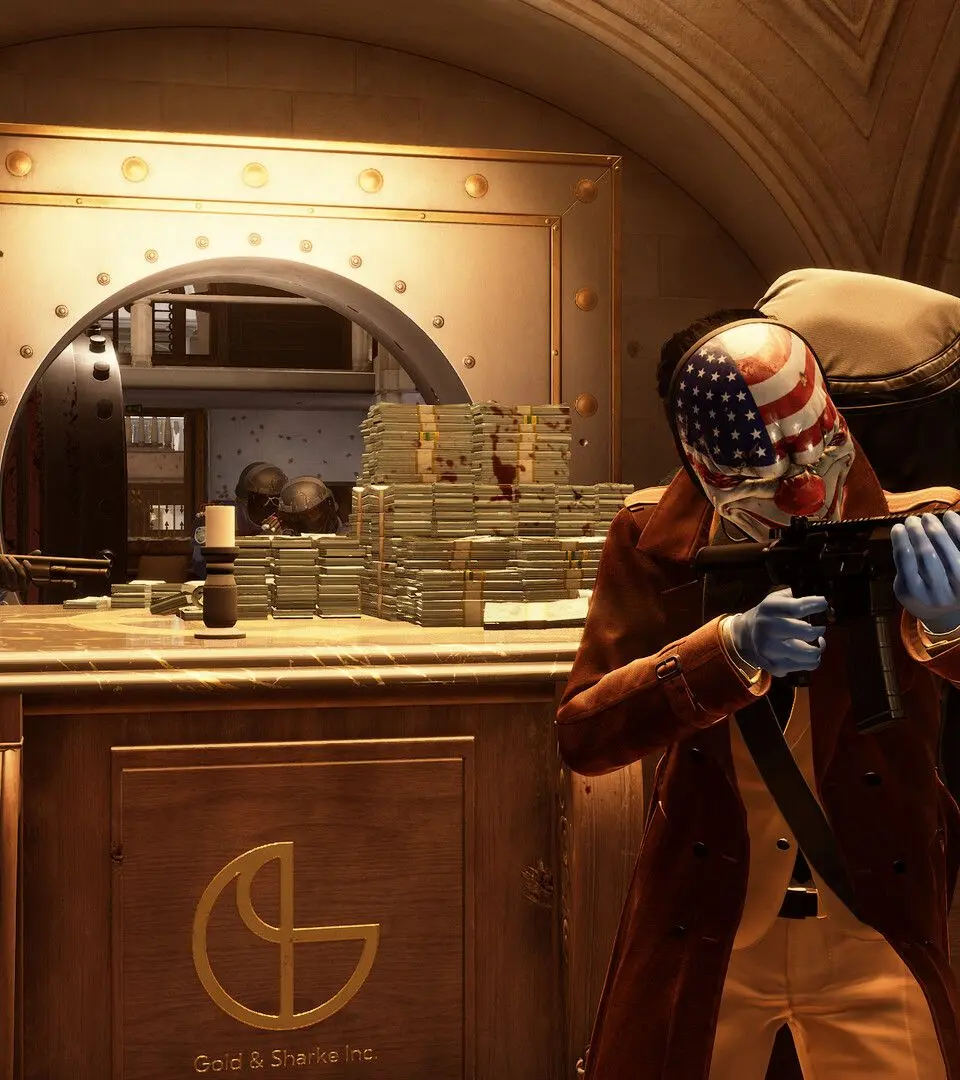
The UI provides crucial information during a heist. Your health and armor are displayed at the bottom left, while your current weapon and ammo count are at the bottom right. The top of the screen often shows objective markers and the current alarm level. Pay attention to the stealth indicator (an eye icon) which changes based on your visibility to guards. The minimap, usually in the top right, shows enemy positions and objective locations. Familiarize yourself with these elements to make informed decisions.