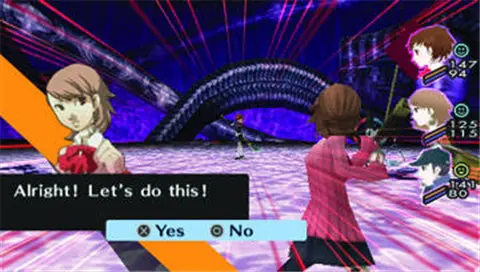
Understanding the controls and user interface is paramount. In the overworld, use the D-pad or analog stick to move. The X button (or equivalent) interacts with objects and people, while the Circle button cancels actions. The Square button opens the main menu, where you can access your status, equipment, Personas, social links, and system settings. During Tartarus exploration, the controls are similar, with additional options for attacking shadows and opening the map. Pay attention to the mini-map in the top-right corner, which shows your current location and nearby exits. The calendar and clock on the top-left are crucial for managing your time effectively.