
Mastering the controls and understanding the user interface (UI) is crucial for efficient gameplay. Persona 4 Golden features intuitive controls for both exploration and combat. The UI provides vital information about your party, current objectives, and available actions. Pay attention to the mini-map and character status indicators.
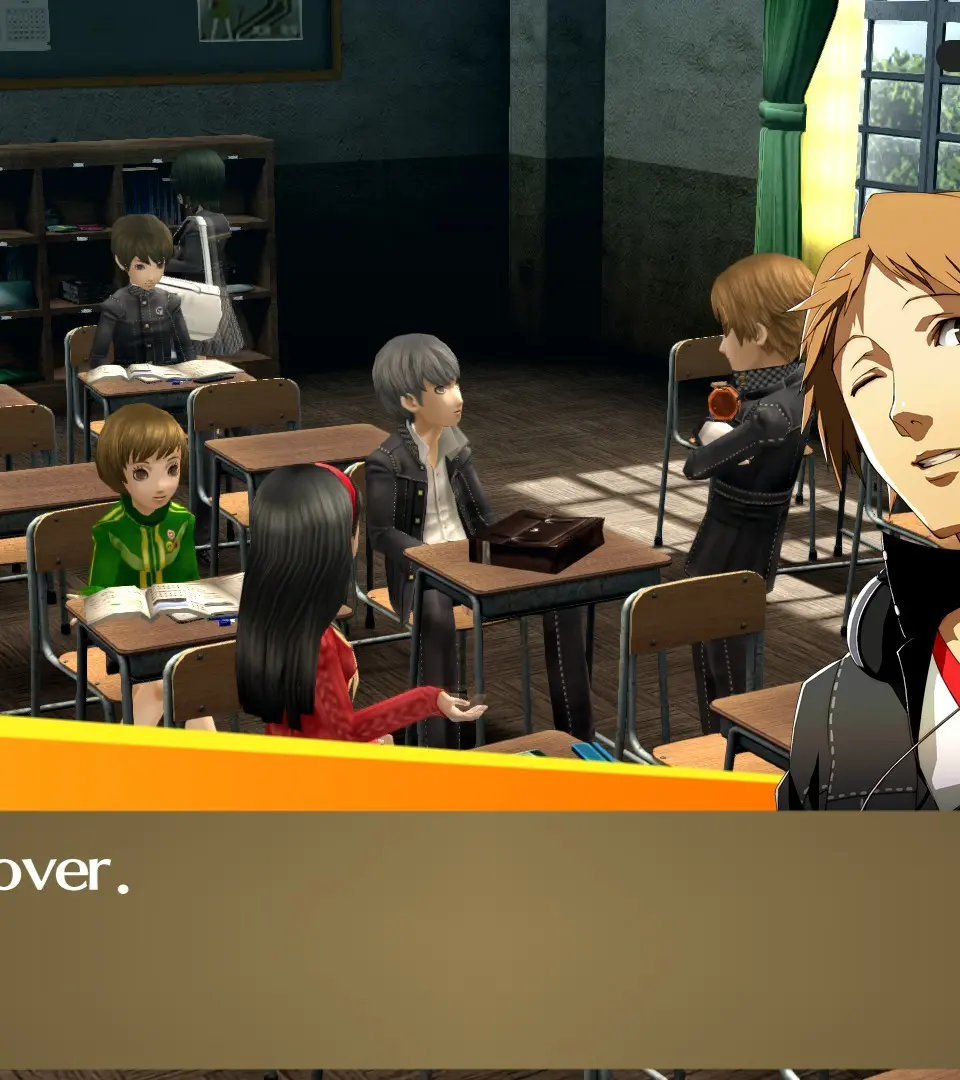
Exploration Controls:
- Left Stick/D-Pad: Move Character
- Right Stick: Camera Control (Dungeon)
- X Button (PlayStation)/A Button (Switch/Xbox): Interact/Confirm
- Circle Button (PlayStation)/B Button (Switch/Xbox): Cancel/Back
- Triangle Button (PlayStation)/Y Button (Switch/Xbox): Open Menu
- Square Button (PlayStation)/X Button (Switch/Xbox): Quick Travel (Town Map)
Battle Controls:
- X Button (PlayStation)/A Button (Switch/Xbox): Select Action/Confirm
- Circle Button (PlayStation)/B Button (Switch/Xbox): Cancel/Back
- L1/R1 (PlayStation)/L/R (Switch/Xbox): Cycle Targets
- Triangle Button (PlayStation)/Y Button (Switch/Xbox): Analyze Enemy