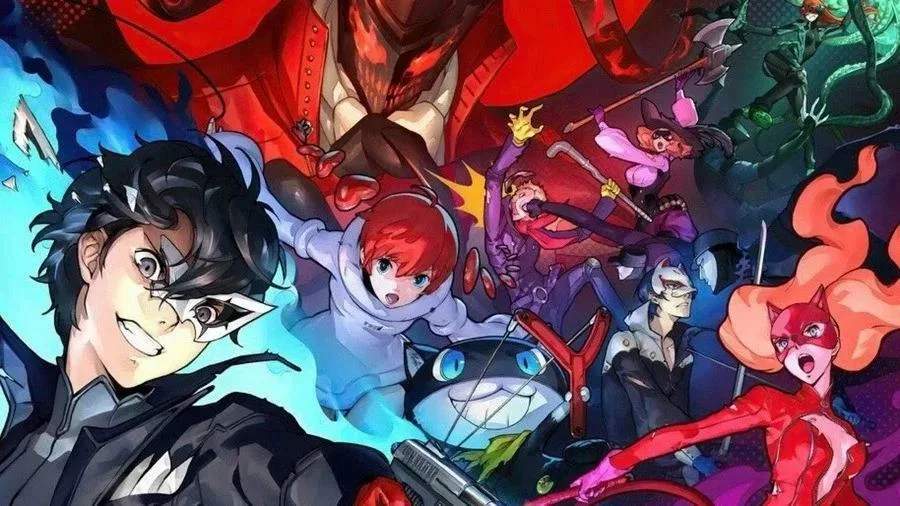
The UI in Persona 5 Strikers provides vital information during exploration and combat. Familiarizing yourself with it will significantly improve your gameplay experience.
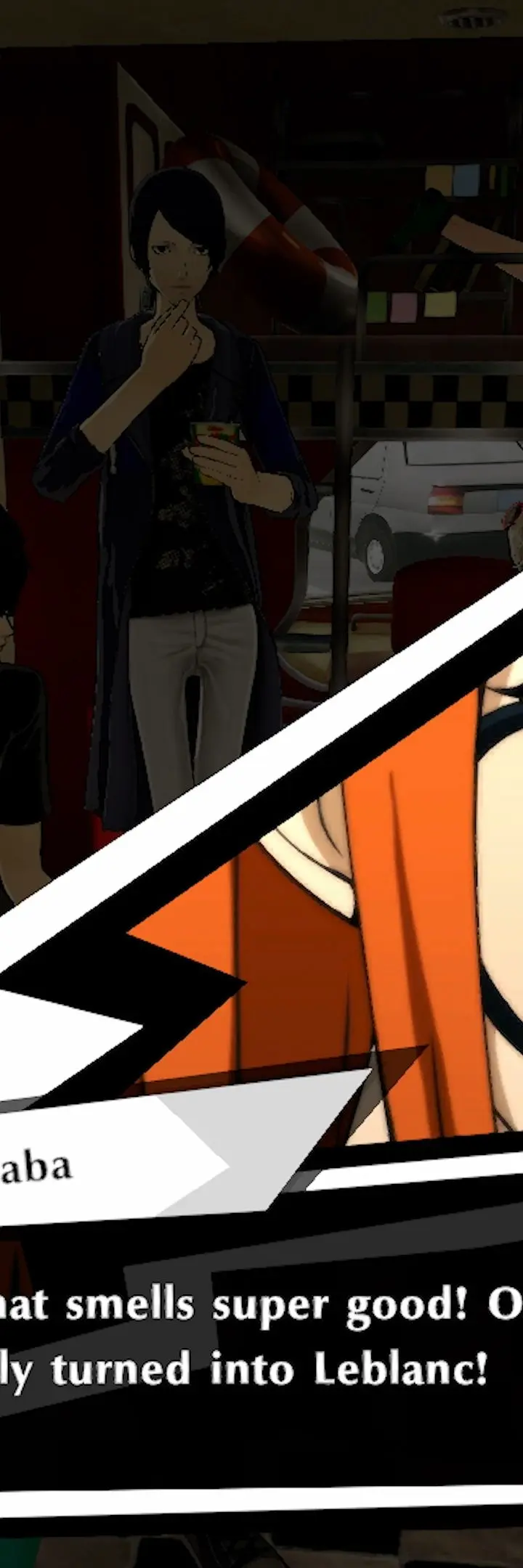
Exploration UI:
- Mini-Map: Located in the top-right corner, showing your current location, objectives, and nearby points of interest.
- Time/Date: Displayed in the top-left, indicating the current in-game day and time, which can affect available activities.
- Objective Tracker: Often found in the top-left or top-right, detailing your current main mission or request.
- Party Member Icons: Small portraits of your active party members, sometimes indicating their current status or HP.
Combat UI:
- HP/SP Bars: Prominently displayed for Joker and your active party members. HP (Health Points) determines survival, while SP (Skill Points) are consumed by Persona abilities.
- Persona Gauge: A circular gauge around your active Persona icon, indicating its current state and readiness for certain actions.
- Showtime Gauge: A meter that fills as you deal damage and exploit weaknesses. Once full, it allows for a powerful Showtime attack.
- Enemy Weakness/Resistance Icons: When targeting an enemy, icons will appear indicating their elemental weaknesses or resistances, crucial for exploiting the '1 More' system.
- Baton Pass Prompt: Appears when you've downed an enemy, allowing you to switch to another party member for a follow-up attack.
- Phantom Dash Prompt: Appears when near environmental objects that can be used for a Phantom Dash attack.
Paying attention to these UI elements will help you make informed decisions, whether you're exploring a bustling city or battling Shadows in a Jail.
Compare understanding the user interface (ui) inPersona 5