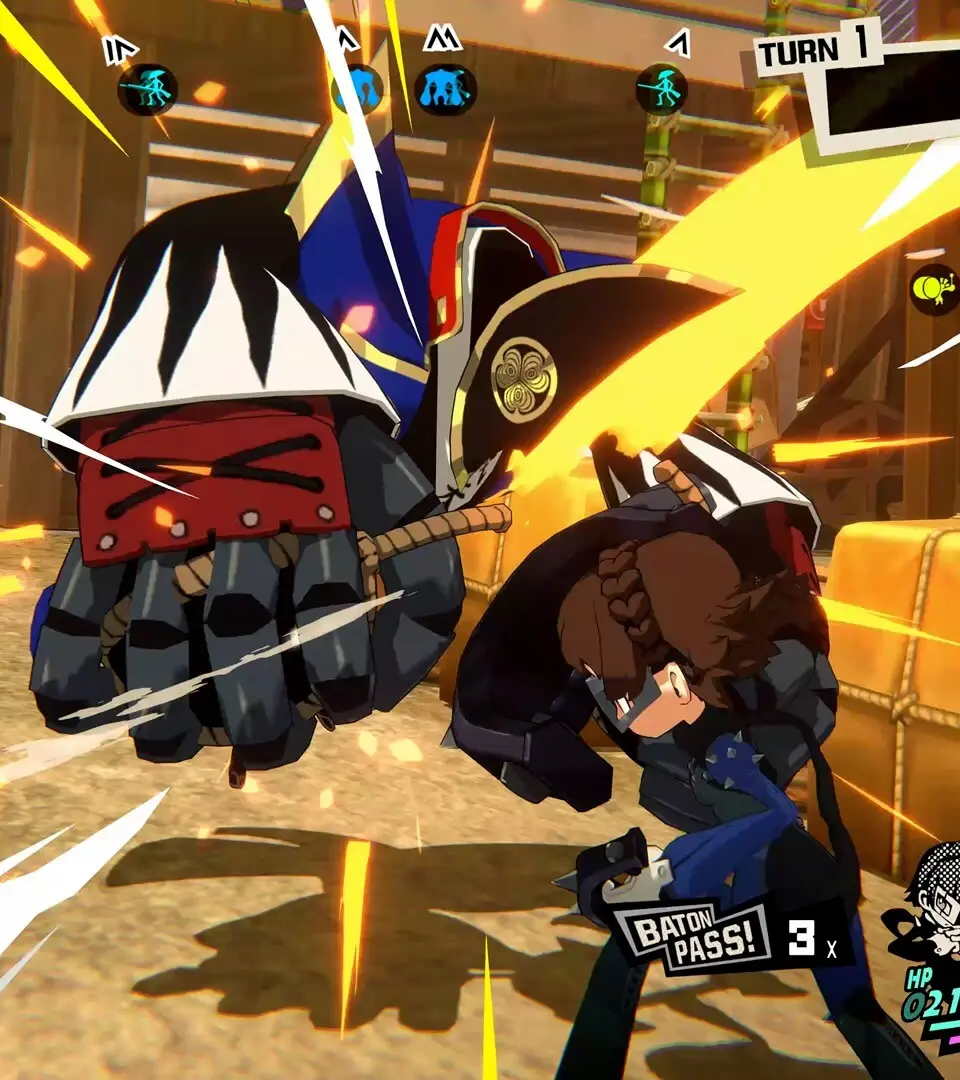
The UI in Persona 5 Tactica provides all the essential information you need during combat and exploration. In battle, you'll see character portraits with HP and SP bars, turn order at the top of the screen, and a mini-map indicating enemy and ally positions. The action menu appears when a character is selected, displaying available moves and their associated costs. Outside of battle, the main menu allows access to 'Team', 'Persona', 'Equipment', 'Items', 'System', and 'Save'. Pay attention to the 'Team' menu to manage your party members, equip new gear, and assign skill points. The 'Persona' menu is where you'll fuse and manage your Personas, a core mechanic of the series. Regularly checking the UI for status effects, turn order, and available actions will significantly improve your tactical decision-making.