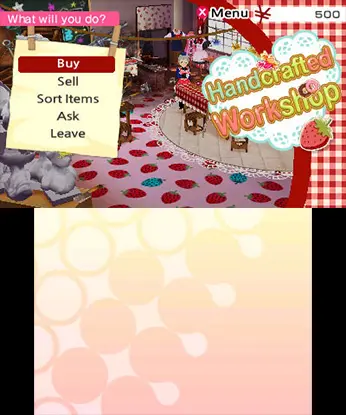
Persona Q utilizes the Nintendo 3DS's dual screens effectively. The top screen displays the 3D dungeon environment and battle animations, while the bottom screen is dedicated to the auto-mapping feature, character portraits, and menu navigation. Use the Circle Pad for movement, the D-Pad for menu selection, and the A button to confirm actions. The B button cancels, X opens the main menu, and Y allows for quick access to the map or other contextual actions. Pay close attention to the mini-map on the bottom screen; it's your most valuable tool for navigating the labyrinth and avoiding F.O.E.s. Understanding the various icons for stairs, doors, and treasure chests will save you a lot of time and frustration.