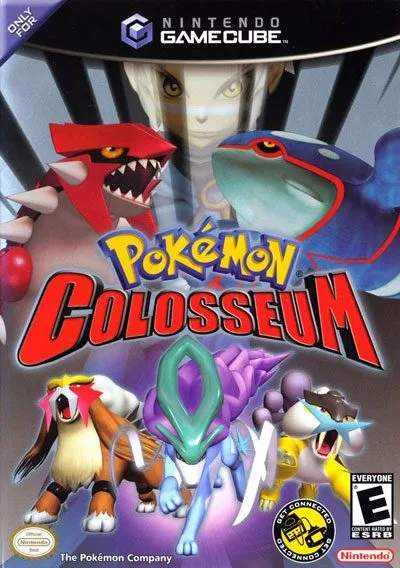
Mastering the controls is crucial for smooth gameplay in Orre. Pokémon Colosseum utilizes the Nintendo GameCube controller effectively. Here's a breakdown:
- Control Stick: Move Wes/Rui, navigate menus.
- C-Stick: Rotate camera in battle and exploration.
- A Button: Confirm selections, interact with NPCs/objects.
- B Button: Cancel selections, run (hold while moving).
- X Button: Open P*DA (Personal Data Assistant).
- Y Button: Open Battle Menu (during battle).
- L Button: Cycle through Pokémon in battle, view stats.
- R Button: Cycle through Pokémon in battle, view stats.
- Z Button: View map (when available).
- Start/Pause Button: Open main menu.
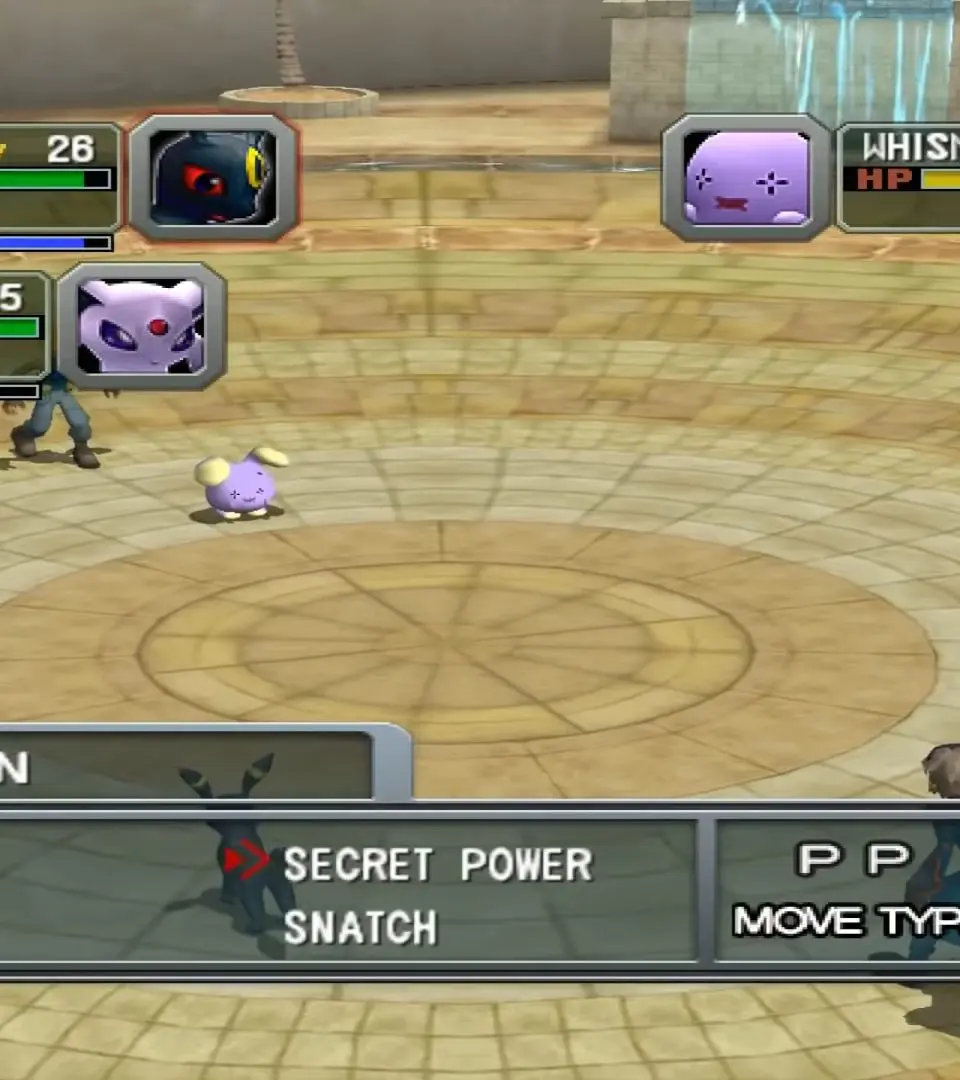
The UI is straightforward. During exploration, you'll see your character, the environment, and occasional prompts. In battle, the screen displays your Pokémon, the opponent's Pokémon, their HP bars, and the battle menu with options like 'Fight', 'Pokémon', 'Item', and 'Run'. Pay attention to status effects and type matchups displayed during battle.