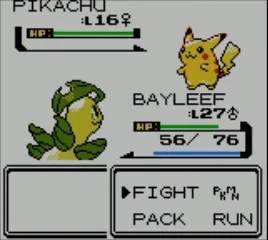
Understanding the controls is fundamental to playing Pokémon Crystal. The game utilizes the Game Boy Color's simple button layout. Here's a quick rundown:
- Directional Pad (D-Pad): Moves your character around the map, navigates menus, and selects options.
- A Button: Confirms selections, interacts with NPCs, examines objects, and initiates battles when encountering wild Pokémon.
- B Button: Cancels selections, backs out of menus, and makes your character run (after obtaining the Running Shoes, which are not in Crystal, but a common misconception from later games; in Crystal, you simply walk).
- START Button: Opens the main menu, where you can access your Pokémon, Bag, Save option, Trainer Card, Options, and turn off the game.
- SELECT Button: Can be assigned to a key item for quick access. This is incredibly useful for items like the Bicycle or Fishing Rod. To assign an item, open your Bag, select the item, and choose 'REGISTER'.
Movement is grid-based. You'll walk one tile at a time. Pay attention to your surroundings; tall grass often hides wild Pokémon, and interacting with people can provide valuable information or items.