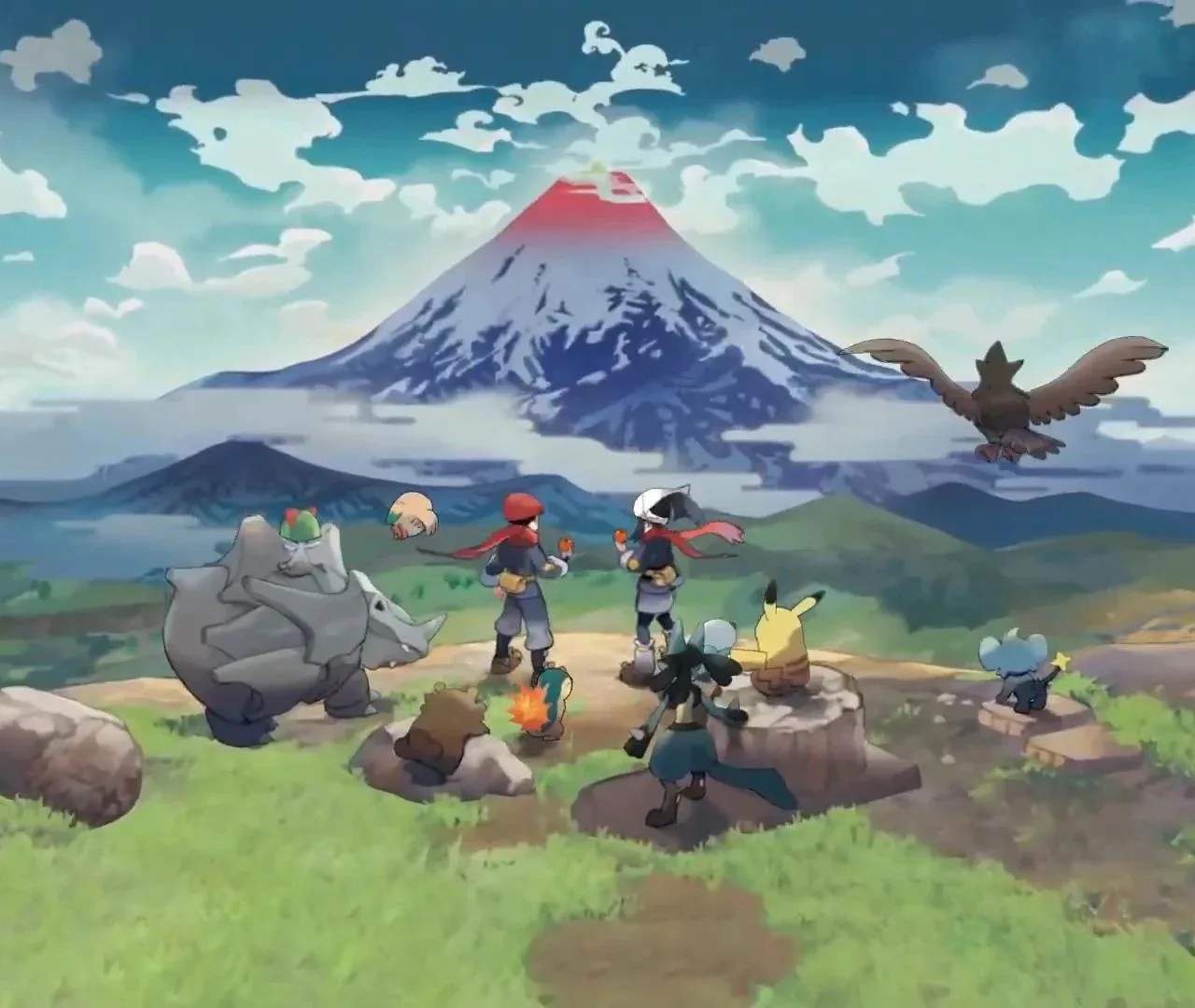
Mastering the controls is crucial for effective exploration and Pokémon encounters. The game utilizes a blend of traditional Pokémon mechanics with action-RPG elements. Familiarize yourself with the camera, movement, and item quick-select options. The UI provides vital information like your current objective, Pokémon health, and available items at a glance.
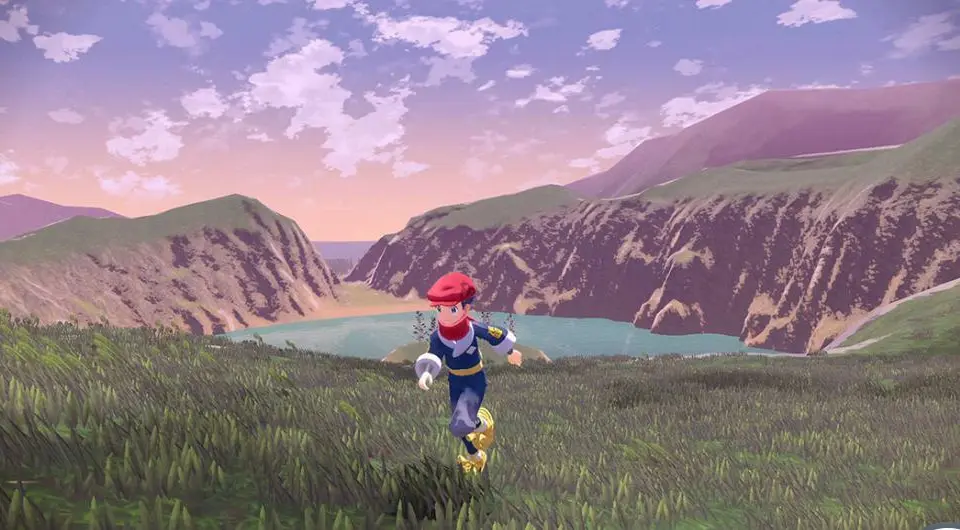
- Left Stick: Move character
- Right Stick: Control camera
- A Button: Interact, confirm
- B Button: Dodge, cancel
- X Button: Open Satchel
- Y Button: Quick-throw Poké Ball/Pokémon
- ZL: Lock-on to Pokémon/item
- ZR: Throw Poké Ball/Pokémon
- D-Pad: Select items (quick menu)