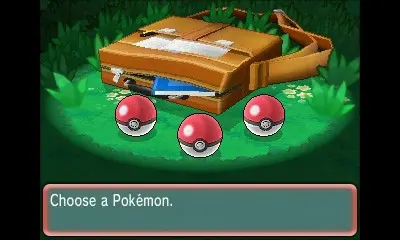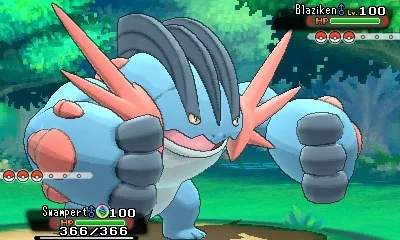
The game's user interface (UI) provides crucial information during exploration and battles. On the top screen, you'll see the main gameplay area, displaying your character, the environment, and battle animations. The bottom screen, the Touch Screen, is dynamic. In the overworld, it typically shows the PlayNav, which includes the AreaNav, DexNav, BuzzNav, and StreetPass features. During battles, the bottom screen displays battle commands (Fight, Bag, Pokémon, Run), your Pokémon's stats, and the opponent's health bar. Pay attention to the health bars and status conditions displayed on both screens during battle. The main menu, accessed via the X button, organizes your Pokedex, Pokémon party, Bag, Trainer Card, Save option, and game settings. Familiarizing yourself with these elements will make your journey much smoother.