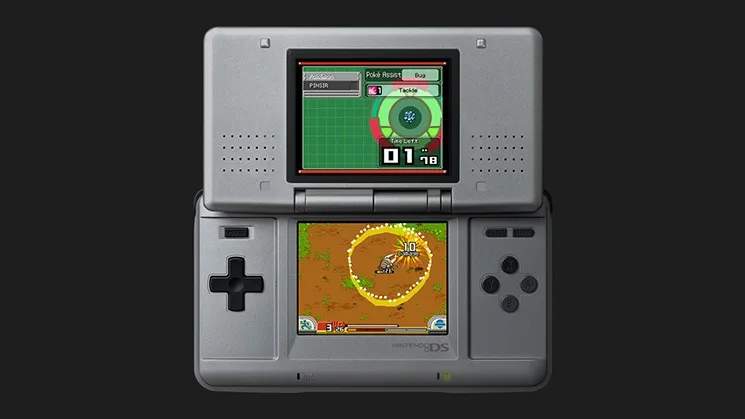
The primary control method in Pokémon Ranger is the Nintendo DS stylus. You'll use it for almost everything, from moving your character to performing captures. Here's a breakdown:
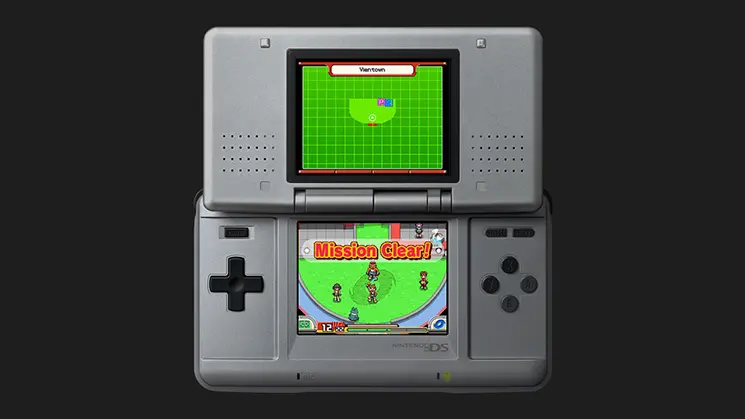
- Movement: Tap and hold the stylus on the touch screen in the direction you want to move your Ranger.
- Interaction: Tap on objects, people, or Pokémon to interact with them. An exclamation mark (!) above an object indicates interaction is possible.
- Capture Styler: To capture a Pokémon, tap the 'Capture' icon on the bottom screen. Then, draw circles around the target Pokémon with your stylus. The number of circles required depends on the Pokémon's strength and type. Be careful not to lift your stylus or let the Pokémon break your line!
- Partner Pokémon: Your partner Pokémon (Minun or Plusle) is always with you. Tap its icon to use its Field Move, which can clear obstacles or help in captures.
- Field Moves: These are special abilities Pokémon possess that can clear obstacles like rocks, cut down trees, or light up dark areas. To use a Field Move, tap the Pokémon's icon on the bottom screen, then tap the obstacle.
Mastering these basic controls is crucial for a smooth and enjoyable experience throughout your Ranger journey. Practice capturing different Pokémon to get a feel for the Styler's sensitivity and the varying difficulties.