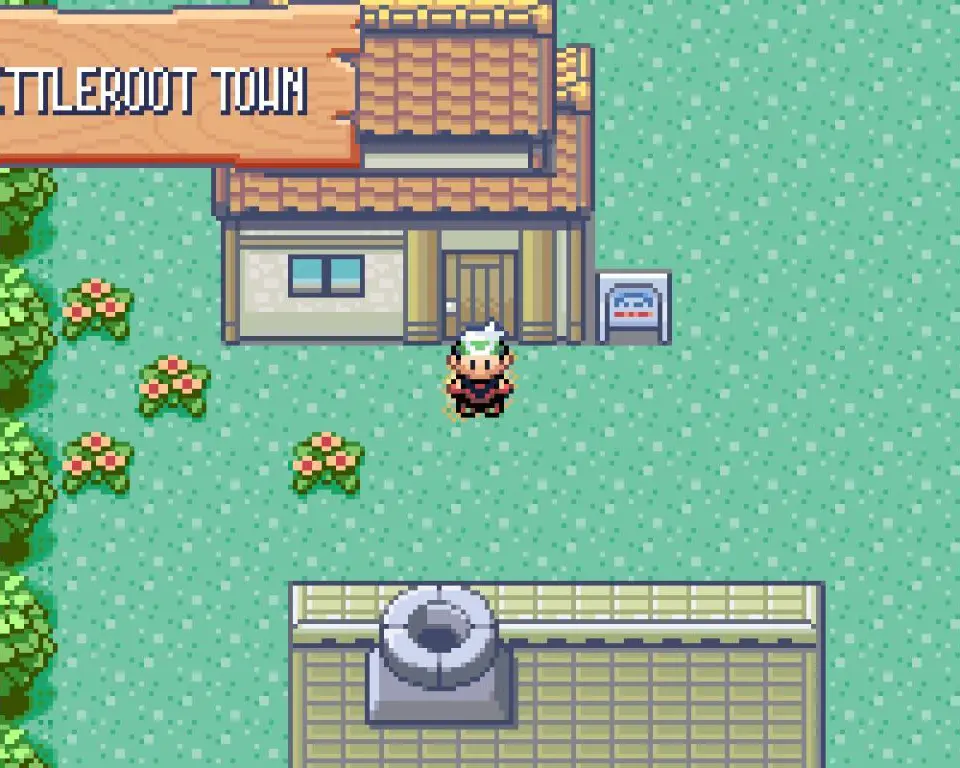
Saving your game regularly is paramount to a successful Pokémon journey. You wouldn't want to lose hours of progress due to a drained battery or an unexpected game crash! To save your game, simply press the Start Button to open the main menu, then navigate down to the 'SAVE' option and press the A Button. The game will ask you to confirm if you want to save. Select 'YES' and wait for the 'SAVING... DON'T TURN OFF THE POWER.' message to disappear. Once it's gone, your progress is safely recorded. It's a good habit to save after every major event, such as defeating a Gym Leader, catching a rare Pokémon, or reaching a new town. Remember, there's only one save slot, so be mindful of overwriting your progress. Always ensure your Game Boy Advance has sufficient battery life before saving to prevent data corruption.