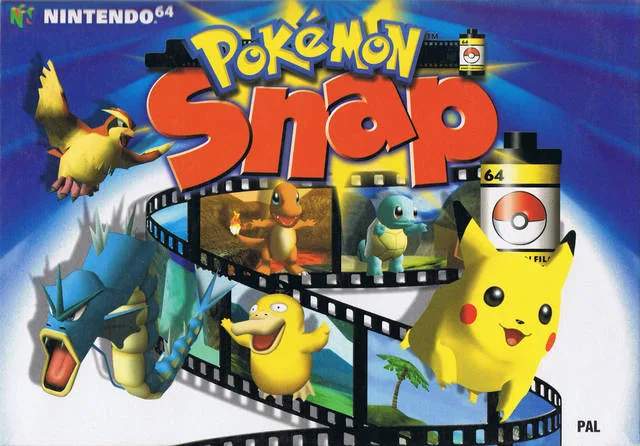
Mastering the controls is essential for capturing those perfect shots. The game is played from a first-person perspective within the Zero-One vehicle. Here's a breakdown of the standard controls:
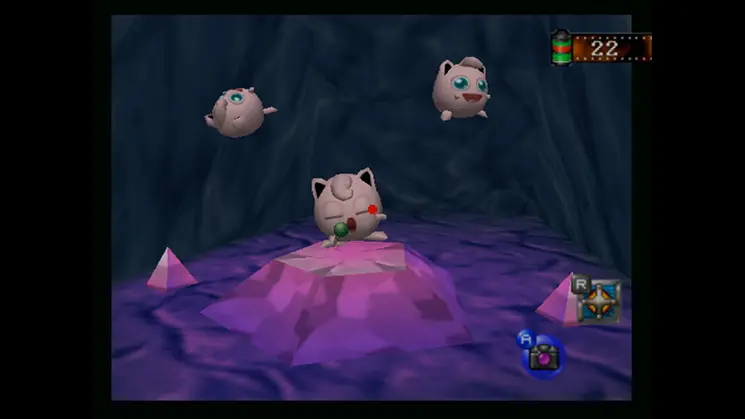
- Analog Stick/D-Pad: Move the camera reticle to aim your shots. This is crucial for framing your Pokémon subjects.
- A Button: Take a photo. Press this when your reticle is over a Pokémon you want to capture.
- B Button: Throw a Pester Ball. These can be used to provoke reactions from Pokémon or knock them out of trees.
- C-Up Button: Throw an Apple. Apples can be used to lure Pokémon closer or make them react in specific ways.
- Z Button: Use the Pokémon Flute. Playing the flute can cause Pokémon to dance, wake up, or perform unique actions.
- Start Button: Pause the game and access the menu. From here, you can review your photos, adjust settings, or exit a course.
Practice these controls in the early courses to get a feel for the timing and precision required for high-scoring photos.
Compare basic controls inPokemon Emerald