The Camera is your primary tool. You start with it and it's always available. You have a limit of 60 photos per course, so use them wisely, but don't be afraid to take multiple shots of the same Pokémon to get the best pose.
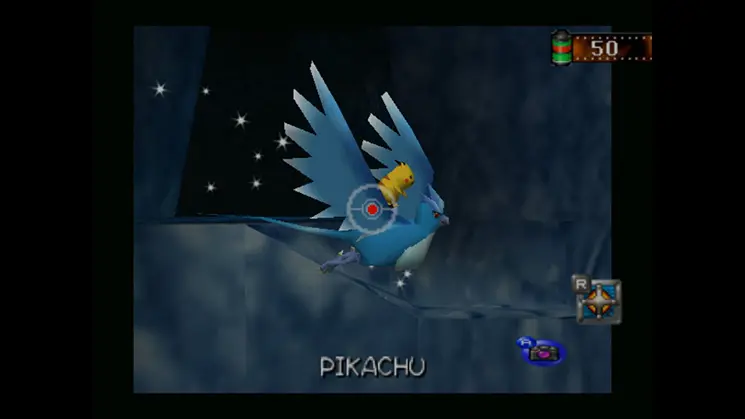
- Aiming: Use the Analog Stick/D-Pad to move your reticle.
- Zoom: There is no explicit zoom function, but getting closer to Pokémon (often by luring them) effectively 'zooms' them in.
- Framing: Focus on centering the Pokémon and filling the frame for maximum points.
Practice quick aiming and snapping, especially for fast-moving Pokémon or fleeting interactions.