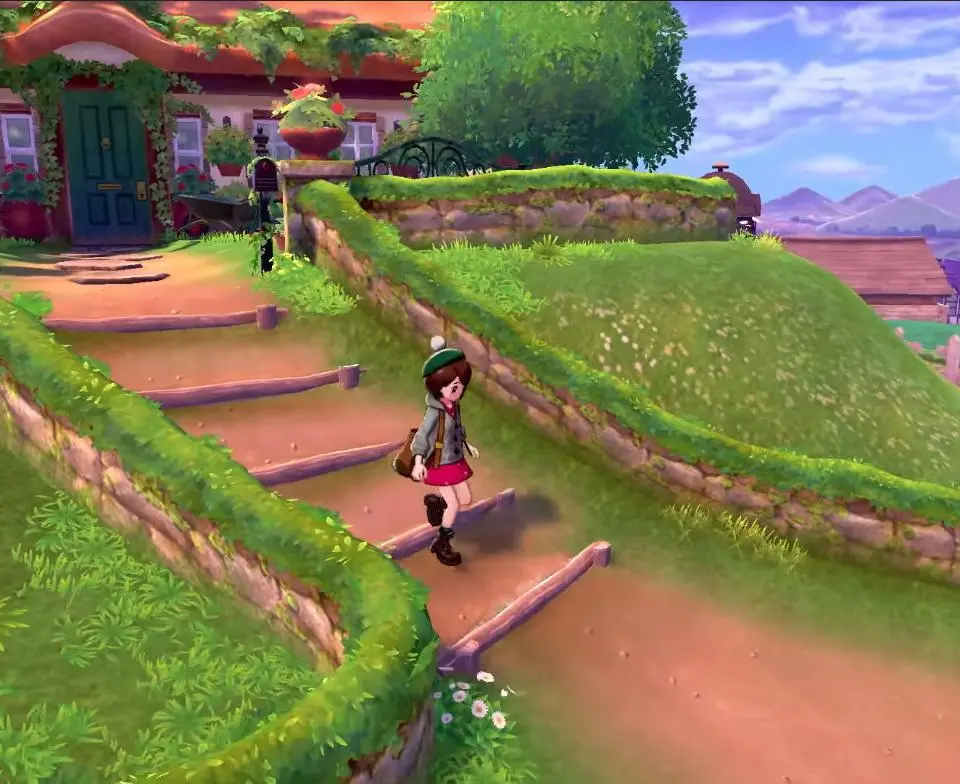
Mastering the controls is key to a smooth journey. Use the Left Stick to move your character, and the A button to interact with people, objects, and confirm selections. The B button is for canceling actions or running. The X button opens your main menu, providing access to your Pokémon, Bag, Pokedex, and more. The Y button opens the Y-Comm, allowing for online interactions and trades. Experiment with these early on to get comfortable.