
Understanding the controls is fundamental to your Pokémon journey. Pokémon Yellow uses a simple, intuitive control scheme that's easy to master.
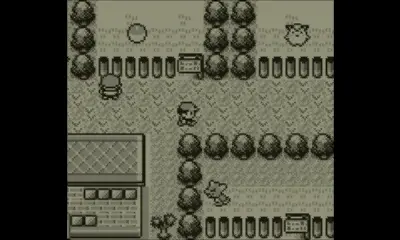
- Directional Pad (D-Pad): Moves your character around the map, navigates menus, and selects options.
- A Button: Confirms selections, interacts with NPCs, examines objects, and initiates battles when encountering wild Pokémon.
- B Button: Cancels selections, backs out of menus, and makes your character run (if you have the Running Shoes, though not available in Yellow).
- Start Button: Opens the main menu, where you can access your Pokémon, Bag, Pokédex, Save option, and more.
- Select Button: In Pokémon Yellow, the Select button has no primary function in the overworld or battle, but it can be used for specific menu shortcuts in some versions.
Basic mechanics include walking, talking to people, and interacting with the environment. Remember to save your game frequently using the 'Save' option in the Start menu to avoid losing progress!