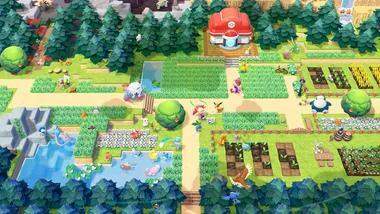
Navigating the world of Pokémon Pokopia is intuitive, thanks to its well-designed control scheme for the Nintendo Switch. The primary movement is handled by the Left Analog Stick, allowing you to freely explore the diverse landscapes. The A Button is your primary interaction button, used for talking to NPCs, picking up items, and activating objects in the environment. The B Button typically serves as a cancel or dash function, depending on the context, allowing for quick evasive maneuvers or to exit menus.
The X Button opens your main menu, where you can access your inventory, crafting recipes, and character status. The Y Button is often used for quick actions, such as equipping an item or using a tool. The shoulder buttons, L and R, are usually mapped to camera controls, allowing you to pan and zoom for a better view of your surroundings. Familiarizing yourself with these basic controls will significantly enhance your gameplay experience and allow you to interact with Pokopia efficiently.