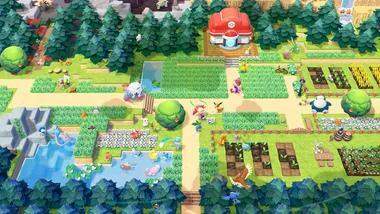
Understanding the User Interface (UI) in Pokémon Pokopia is key to managing your resources and navigating the game's many systems. The main screen typically displays your character, the environment, and several important indicators. In the top-left corner, you'll usually find your Stamina Bar and Health Bar, crucial for determining your character's well-being and ability to perform actions. The top-right might show the current time of day and weather conditions, which can affect gameplay.
Along the bottom of the screen, you'll often find a quick-select bar for your equipped tools and items, allowing for rapid switching. Contextual prompts will appear as needed, indicating available actions or interactions with nearby objects. The main menu, accessed via the X Button, provides a more detailed overview of your inventory, crafting recipes, quest log, and character progression. Familiarize yourself with each element of the UI to ensure you're always in control and aware of your surroundings and capabilities.