Understanding the basic controls is paramount to navigating the Enrichment Center. The game uses a standard first-person shooter control scheme, but with the added functionality of the Portal Gun. Here's a quick rundown:
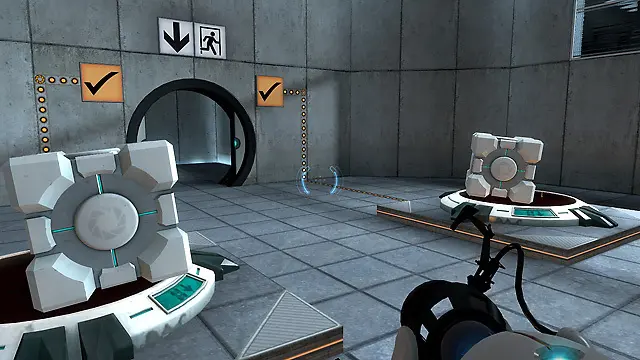
- W, A, S, D: Movement (Forward, Left, Back, Right)
- Spacebar: Jump
- Left Mouse Button: Fire Blue Portal
- Right Mouse Button: Fire Orange Portal
- E: Use/Interact (e.g., picking up cubes, pressing buttons)
- Shift: Sprint (useful for gaining momentum for portal flings)
- Ctrl: Crouch (allows access to smaller areas and can be used for portal tricks)
- Esc: Pause Menu
Practice these movements in the initial test chambers to get a feel for them. The fluidity of movement combined with portal placement is what makes Portal so unique and challenging.