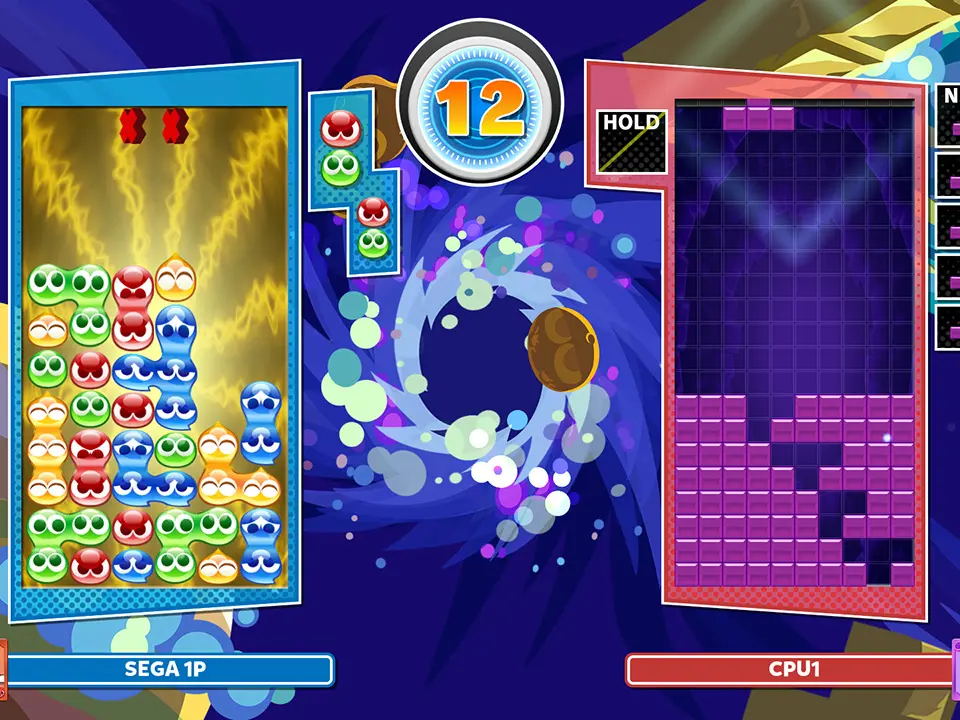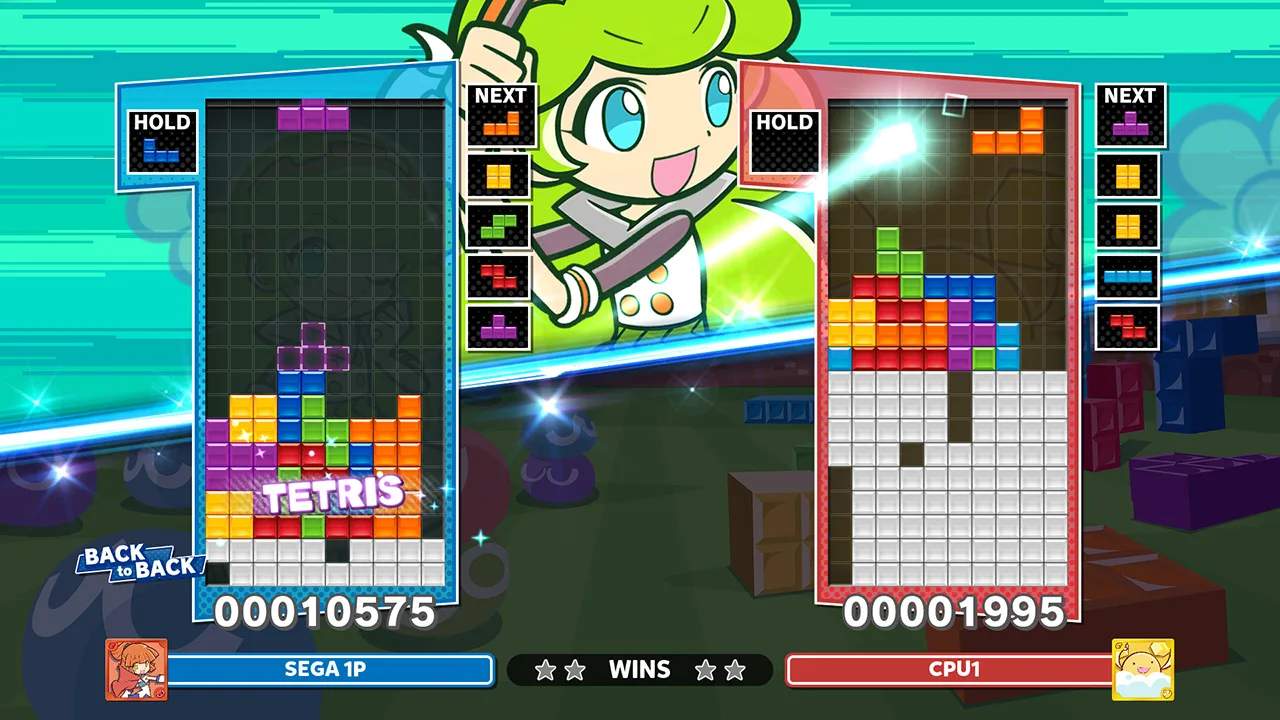
The UI in Puyo Puyo Tetris 2 is designed to provide all necessary information at a glance during gameplay. On your playfield, you'll see your current falling pieces (Puyo pairs or Tetriminos), your 'Next' queue showing upcoming pieces, and your 'Hold' queue (if enabled) for storing a piece. To the side, you'll find your score, chain/combo counter, and any garbage Puyo or Tetriminos that are about to fall onto your opponent's board. In Skill Battle, additional UI elements display character portraits, HP bars, MP bars, and equipped Skill Cards. Pay attention to these indicators, especially the 'Next' queue, to plan your moves effectively and anticipate your opponent's attacks.