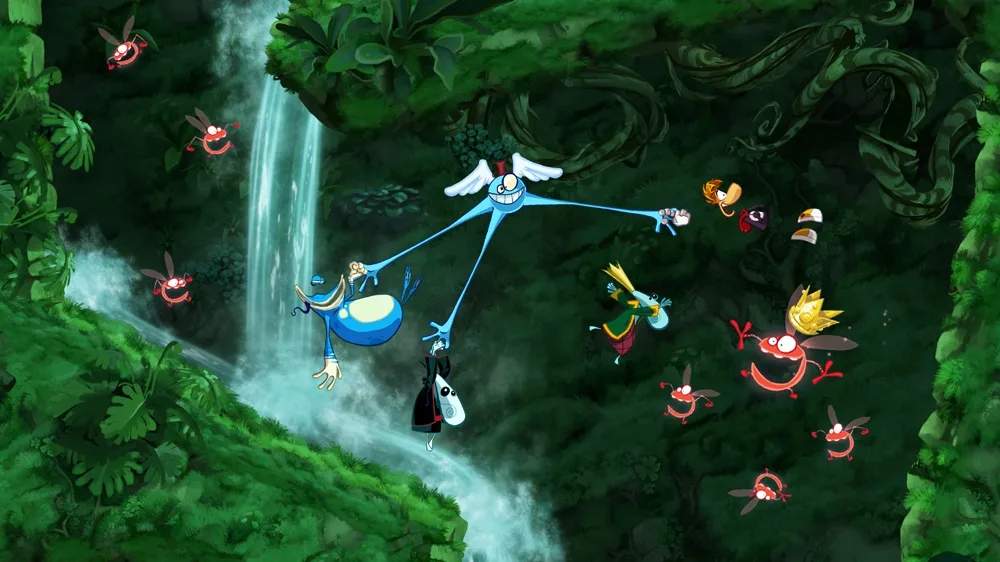
Rayman Origins features intuitive controls that are easy to pick up but offer depth for advanced maneuvers. Understanding these core actions is essential for platforming, combat, and puzzle-solving. Whether you're playing solo or with friends, these controls will be your primary interaction with the game world.
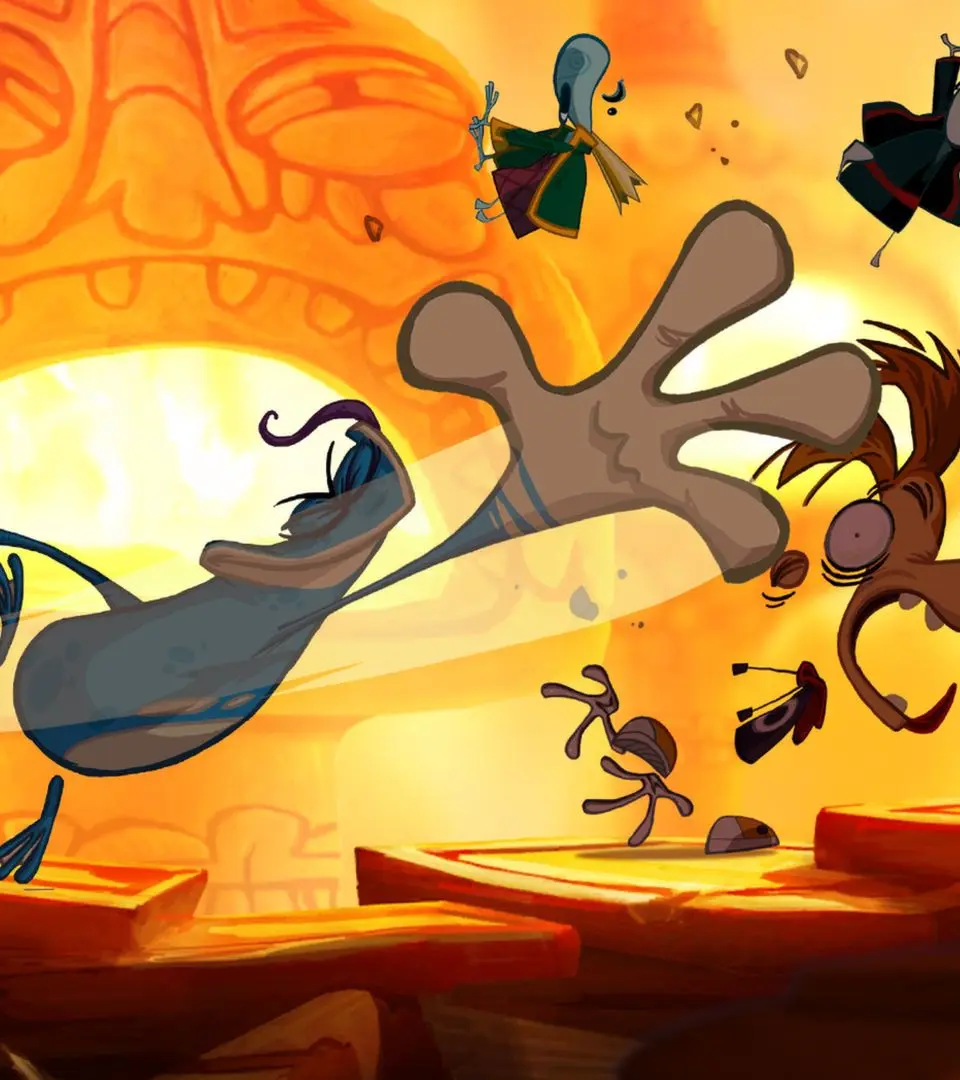
Movement & Jumping
- Left Stick/D-Pad: Move Rayman (or your chosen character) left and right.
- A/X Button (Jump): Press to jump. Hold for a higher jump.
- A/X Button (Jump) + Hold: After jumping, hold the jump button to glide using your hair. This is crucial for crossing large gaps and slowing your descent.
Attacks & Interactions
- B/Square Button (Attack): Press to punch or kick enemies. Repeated presses create a combo.
- B/Square Button (Attack) + Hold: Charge up a powerful attack that can break certain obstacles or deal more damage.
- Y/Triangle Button (Run): Hold to sprint, increasing your movement speed. This is vital for speed runs and escaping hazards.
- X/Circle Button (Grab/Throw): Use to grab Lums, Electoons, or even other players in co-op. Press again to throw.
Special Moves
- Down + A/X (Slam): While in the air, press down and jump to perform a ground pound, useful for breaking certain platforms or stunning enemies below.
- Wall Jump: Jump towards a wall and press jump again as you make contact to bounce off. Essential for vertical progression.