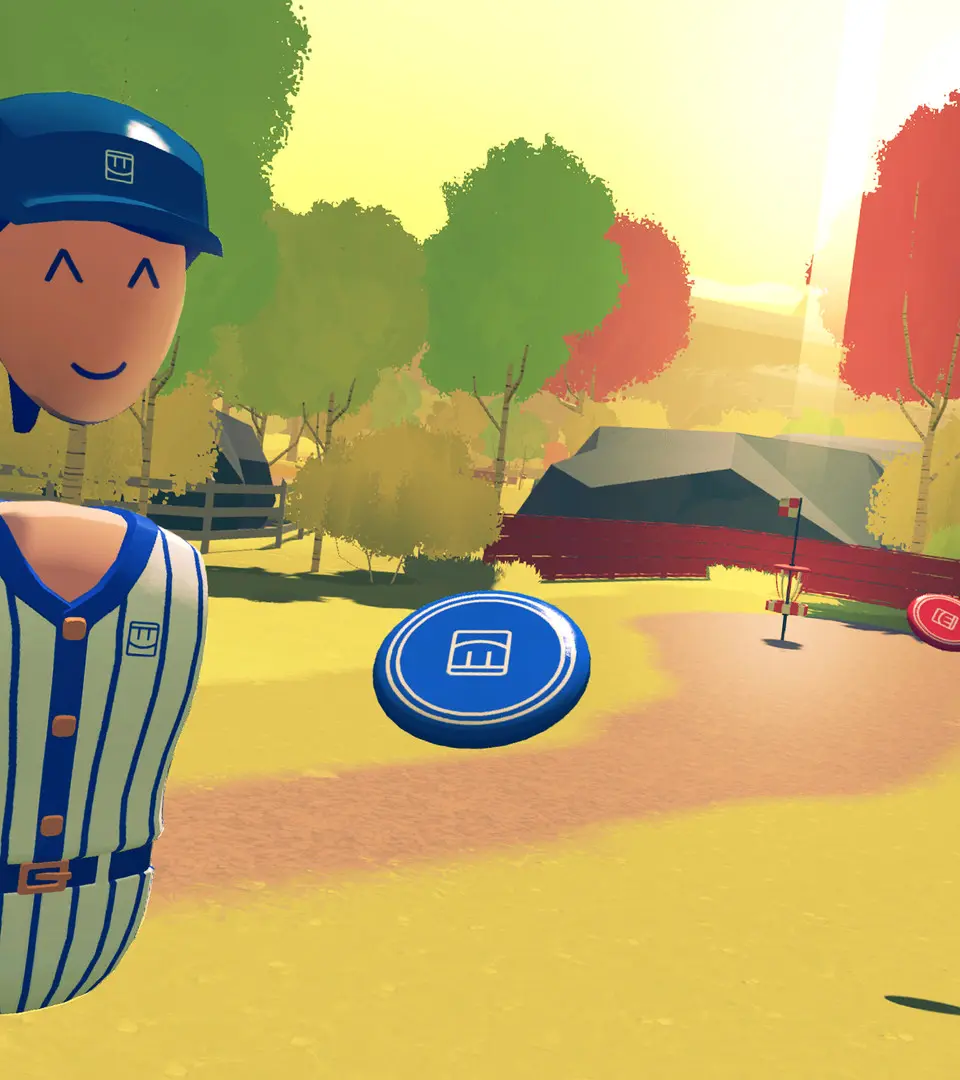
Rec Room is available on a wide variety of platforms, including PC VR (SteamVR, Oculus PC), Standalone VR (Oculus Quest, Pico), PlayStation VR, Xbox, PlayStation, iOS, and Android. To get started, download the Rec Room application from your platform's respective store. Once installed, launch the game. You'll be prompted to create a Rec Room account. This involves choosing a unique username (your @RecRoomName), setting a password, and providing your birthdate. Remember your @RecRoomName as it's how other players will find and add you as a friend. You can also link your account to various social platforms for easier login later.