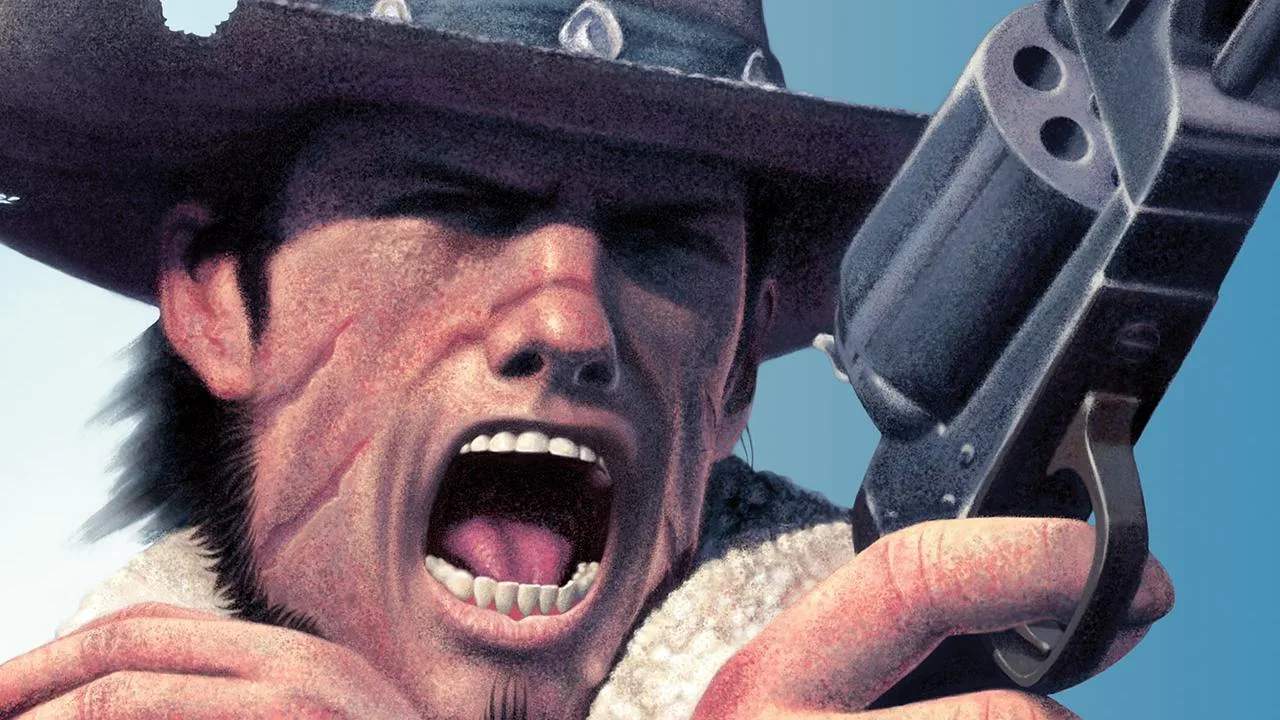
Mastering the controls is your first step to becoming a legendary gunslinger. Red Dead Revolver utilizes a classic third-person shooter control scheme. Here's a breakdown:
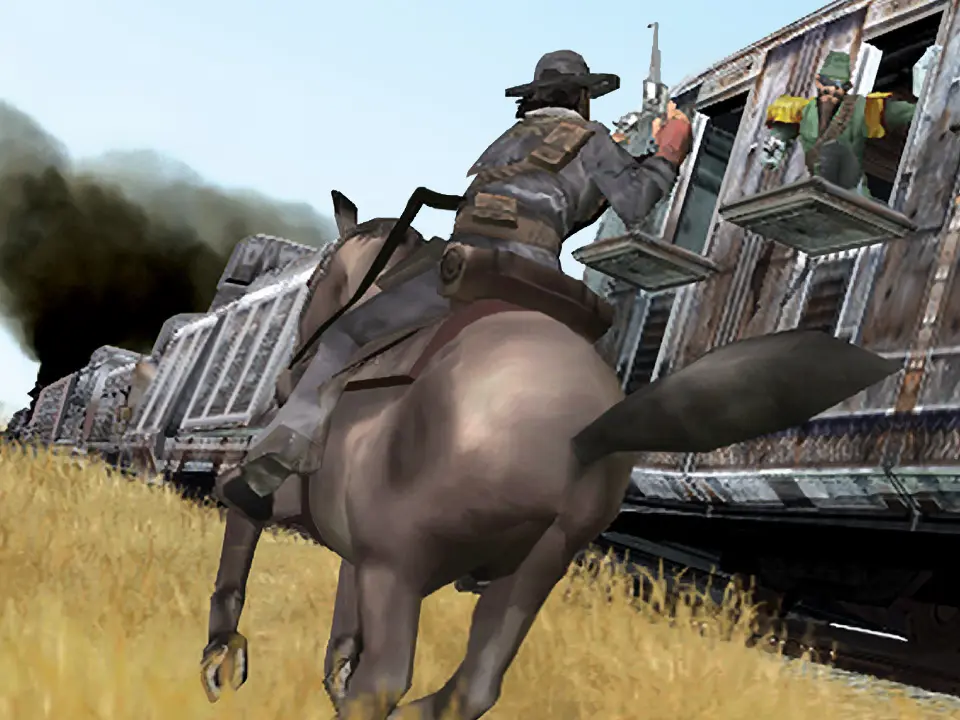
- Left Analog Stick: Move Red Harlow.
- Right Analog Stick: Control the camera.
- X Button (PS2) / A Button (Xbox): Jump/Evade. Pressing this while moving allows for a quick dodge.
- Square Button (PS2) / X Button (Xbox): Reload weapon. Essential for keeping your guns loaded in a firefight.
- Circle Button (PS2) / B Button (Xbox): Interact/Pick Up. Use this to open doors, pick up items, or talk to NPCs.
- Triangle Button (PS2) / Y Button (Xbox): Holster/Draw weapon.
- R1 Button (PS2) / Right Trigger (Xbox): Fire weapon. Hold for continuous fire with automatic weapons.
- L1 Button (PS2) / Left Trigger (Xbox): Aim weapon. This enters a precision aiming mode.
- R2 Button (PS2) / Right Bumper (Xbox): Dead Eye. Activates Red's signature slow-motion ability.
- L2 Button (PS2) / Left Bumper (Xbox): Cycle weapons. Press to switch between your equipped firearms.
- Start Button: Pause menu/Access inventory.
- Select Button (PS2) / Back Button (Xbox): View map/Objectives.
Practice these movements in a safe area to get a feel for Red's responsiveness before engaging in combat.