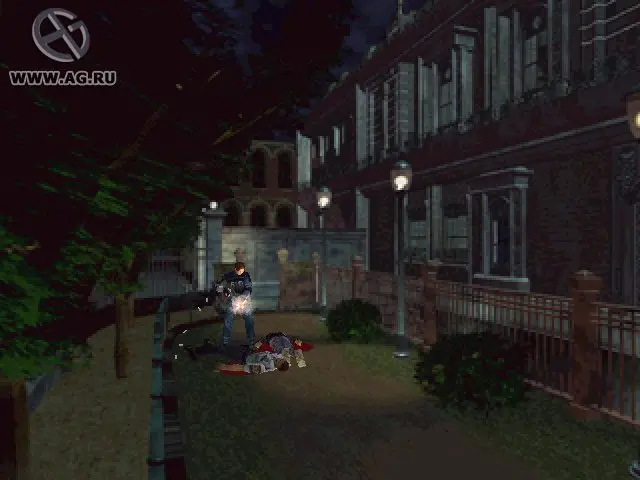
The UI in Resident Evil 2 is minimalist but provides all necessary information. In the bottom right corner of the screen, you'll see your character's health status, indicated by a color: Green (Fine), Yellow (Caution), Orange (Danger), and Red (Poison). The inventory screen, accessed by pressing the Select or Start button, is where you manage your items, weapons, and ammunition. You can combine items, use healing supplies, and equip different weapons here. The map, also accessible from the inventory, is crucial for navigation and identifying locked doors or unexplored areas. Pay attention to the item slots; inventory management is a key survival mechanic.