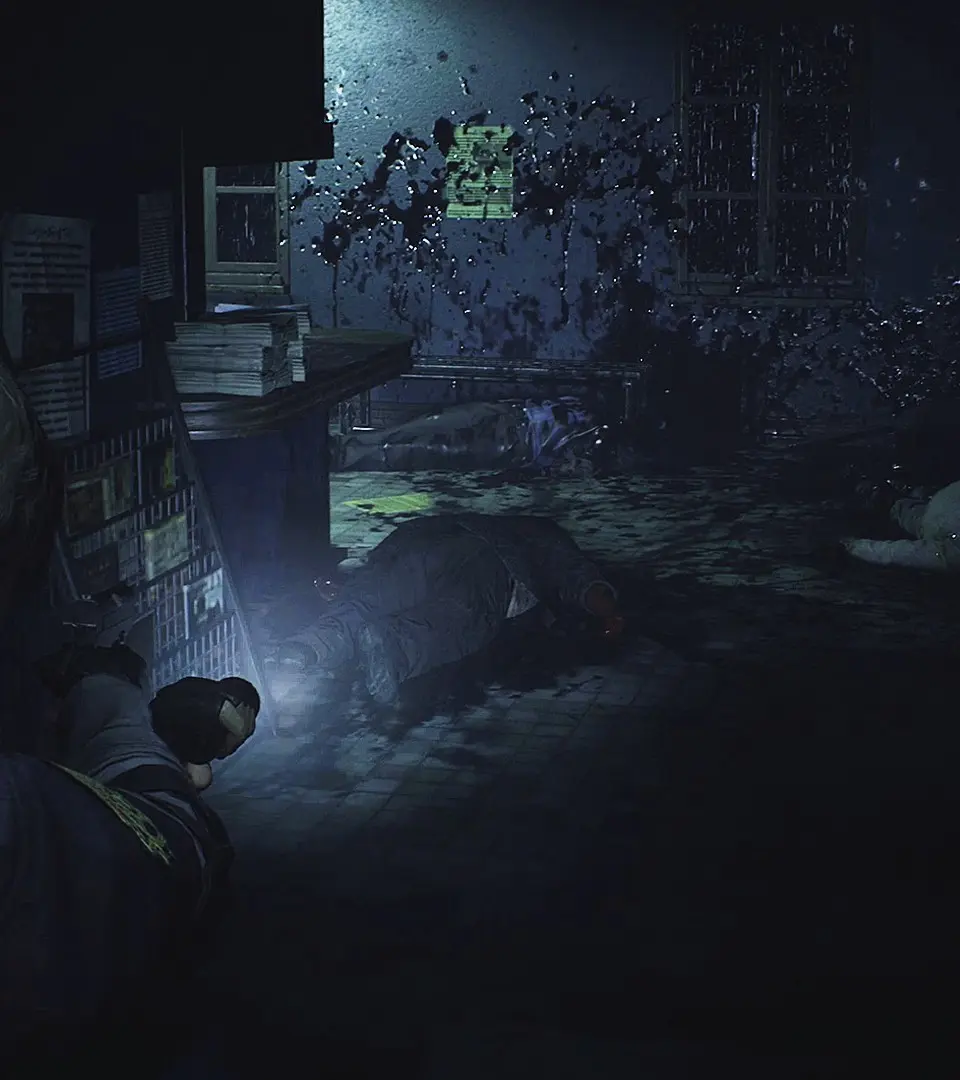
The User Interface (UI) in Resident Evil 2 is minimalist but provides vital information. Your health bar is displayed in the bottom left, changing color from green (healthy) to yellow (caution) to red (danger). The inventory is accessed via the Touchpad/View button, where you can manage items, combine herbs, and equip weapons. Pay attention to the ammo counter next to your weapon icon; running dry in a firefight is a common mistake. The map, accessed via the Options/Menu button, is your best friend for navigation and identifying locked doors or uncollected items.