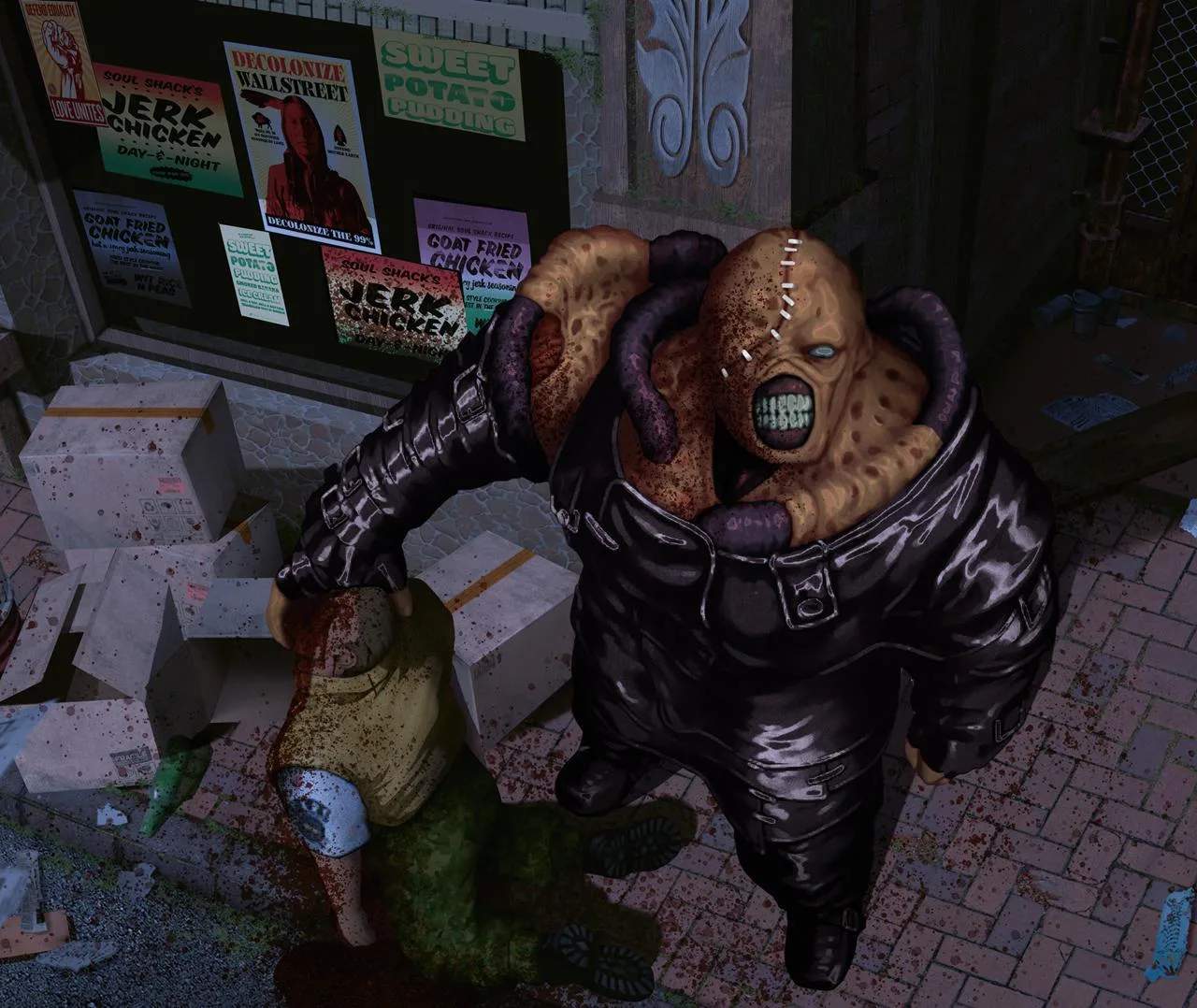
Basic Controls (Keyboard/Controller)
Mastering the controls in Resident Evil 3: Nemesis is crucial for survival. Whether you're navigating Raccoon City with a keyboard or a classic PlayStation controller, understanding these fundamental actions will give you an edge against the undead and, more importantly, Nemesis.
Keyboard Controls (Default)
- Movement:
- W / Up Arrow: Move Forward
- S / Down Arrow: Move Backward
- A / Left Arrow: Turn Left
- D / Right Arrow: Turn Right
- Shift (Hold) + W/A/S/D: Run (Essential for escaping Nemesis or quickly traversing areas like the Downtown Streets or Raccoon City Police Department.)
- Actions:
- Enter / Z: Confirm / Interact / Examine (Use this to open doors, pick up items like the Lockpick or Lighter, or read important files such as the City Guide or various memos.)
- Backspace / X: Cancel / Open Map (The map is vital for tracking your progress and identifying unexplored areas, especially in complex locations like the Hospital or Clock Tower.)
- Spacebar: Ready Weapon / Fire (Hold to aim, release to shoot. Practice precise aiming, especially for headshots on zombies to conserve precious Handgun Ammo.)
- Ctrl (Hold): Quick Turn (Perform a rapid 180-degree turn. Invaluable when Nemesis ambushes you from behind or when you need to quickly re-orient during combat.)
- F: Item Menu / Inventory (Access your inventory to use healing items like Green Herbs or First Aid Sprays, combine items, or equip different weapons like the Shotgun or Grenade Launcher.)
- R: Reload (Manually reload your equipped weapon. Always reload in a safe spot, as reloading mid-fight can leave you vulnerable.)
- Q: Dodge / Quick Step (When an enemy is close, press this to attempt a dodge. A successful dodge can save you from damage and create distance, particularly against Hunters or Nemesis's tentacle attacks.)
- Camera:
- C: Change Camera Angle (Cycles through available fixed camera angles in certain rooms. Useful for spotting hidden items or gaining a better view of the environment.)
Controller Controls (PlayStation Default)
- Movement:
- D-Pad Up: Move Forward
- D-Pad Down: Move Backward
- D-Pad Left: Turn Left
- D-Pad Right: Turn Right
- Analog Stick (if supported by emulator/port): Provides more fluid movement, but the tank controls remain the core mechanic.
- R1 (Hold): Run (Combine with D-Pad for faster movement. Essential for outrunning threats and covering ground efficiently.)
- Actions:
- X Button: Confirm / Interact / Examine (Used for interacting with the environment, picking up items like the Wrench or Fuse, and reading documents.)
- Circle Button: Cancel / Open Map (Brings up the area map, crucial for navigation and planning your route through areas like the Dead Factory.)
- Square Button: Ready Weapon / Fire (Hold to aim, release to shoot. Aim for critical spots on enemies to maximize damage and conserve ammunition.)
- L1 (Hold): Quick Turn (Execute a swift 180-degree turn. This is a life-saver when you're cornered or need to quickly face a new threat.)
- Triangle Button: Item Menu / Inventory (Access your inventory to manage items, combine gunpowder for different ammo types, or equip powerful weapons like the Magnum.)
- R2: Reload (Manually reloads your current weapon. Always try to reload when you have a moment of peace, not while being chased by a pack of Cerberus.)
- L2: Dodge / Quick Step (Press this when an enemy is about to attack to attempt a dodge. Timing is key; a successful dodge can prevent damage and even stun some enemies.)
- Camera:
- Select Button: Change Camera Angle (Cycles through fixed camera perspectives in specific rooms, helping you survey your surroundings for threats or hidden pathways.)
Pro-Tip: Practice the Quick Turn (Ctrl/L1) and Dodge (Q/L2) extensively. These are advanced maneuvers that can significantly improve your survivability, especially during encounters with Nemesis, Hunters, or other powerful enemies. Learning to effectively manage your inventory (F/Triangle) and reload (R/R2) efficiently will also save you precious seconds in tense situations.