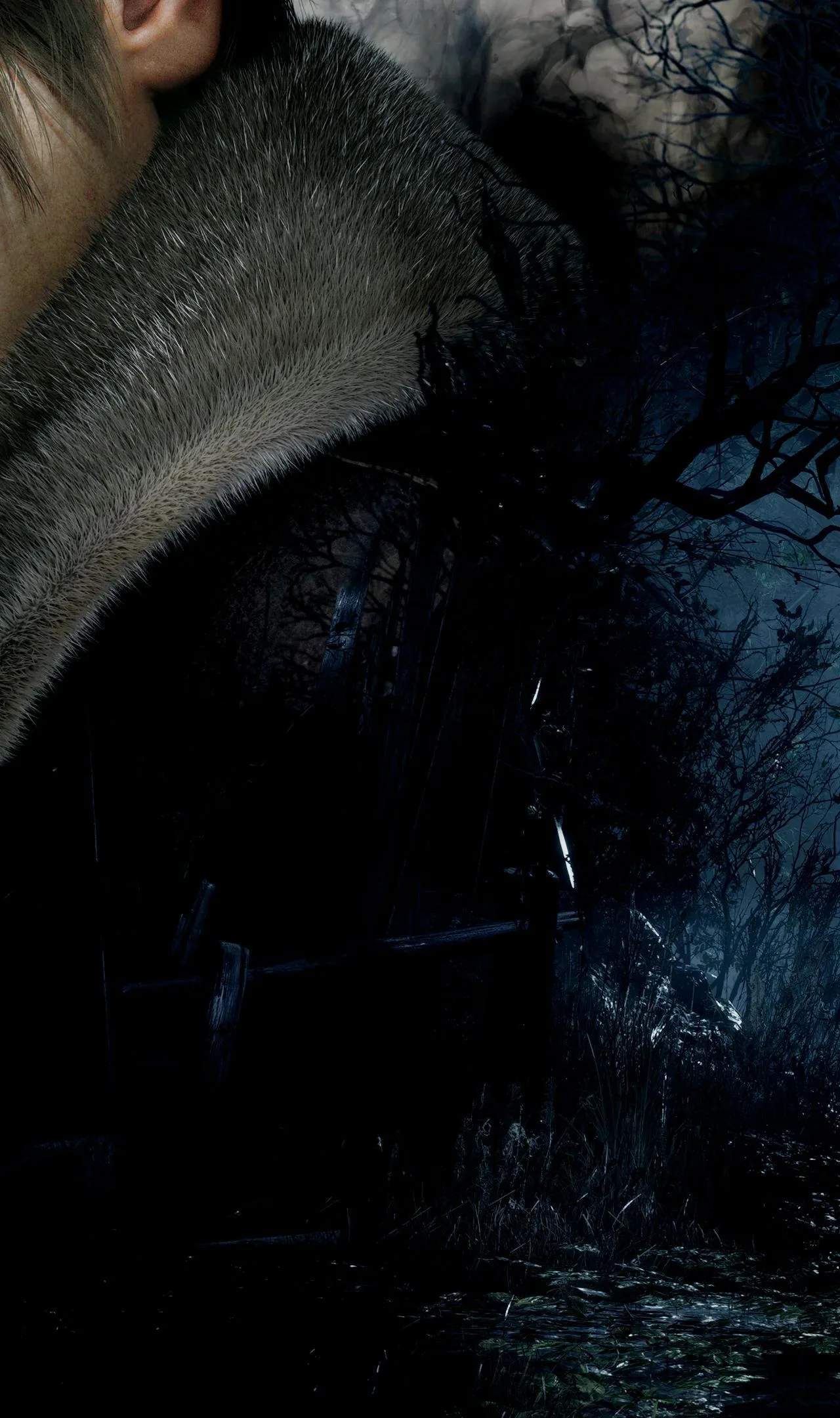
10.6. Photo Mode Guide
Resident Evil 4 Remake introduces a robust Photo Mode, allowing players to capture the game's stunning visuals and intense moments from unique perspectives. This feature provides a creative outlet for players to document their journey, experiment with camera angles, and share their personalized screenshots.
Photo Mode can be accessed from the pause menu during gameplay. Once activated, the game world freezes, and you gain full control over the camera. This allows you to reposition the camera freely, zoom in and out, and adjust various photographic settings to achieve the perfect shot. The mode is designed to give players a high degree of creative freedom, enabling them to frame Leon, Ashley, enemies, and the environment in compelling ways.
The Photo Mode offers a comprehensive suite of tools to enhance your screenshots. These include options to adjust field of view, depth of field, and focus. You can also apply various filters to alter the mood and color palette of your images, ranging from classic black and white to vibrant, stylized looks. Furthermore, you can add masks, stickers, and text overlays to personalize your photos. The ability to hide UI elements ensures that your screenshots are clean and immersive.
| Feature | Description | Usage |
|---|---|---|
| Camera Control | Free movement, rotation, zoom. | Frame your shots precisely. |
| Depth of Field | Adjust focus and background blur. | Create cinematic shots with bokeh effects. |
| Filters | Apply various color and tone adjustments. | Enhance mood and visual style. |
| Stickers & Masks | Add decorative elements. | Personalize your screenshots. |
| UI Hiding | Remove HUD elements for clean images. | Achieve a more immersive and professional look. |
Experimenting with different camera angles is key to capturing dynamic shots. Try low angles to make enemies appear more imposing, or high angles to showcase the environment. Focus on capturing key moments, such as a perfectly timed parry, a dramatic boss encounter, or a serene landscape. The depth of field slider is particularly useful for creating professional-looking photos, allowing you to blur the background and draw attention to your subject. Don't be afraid to play around with the filters and stickers to add your own unique flair. Photo Mode is a fantastic way to appreciate the detailed artistry of Resident Evil 4 Remake and to create lasting memories of your terrifying adventure. Share your best shots online to showcase your photographic talents!