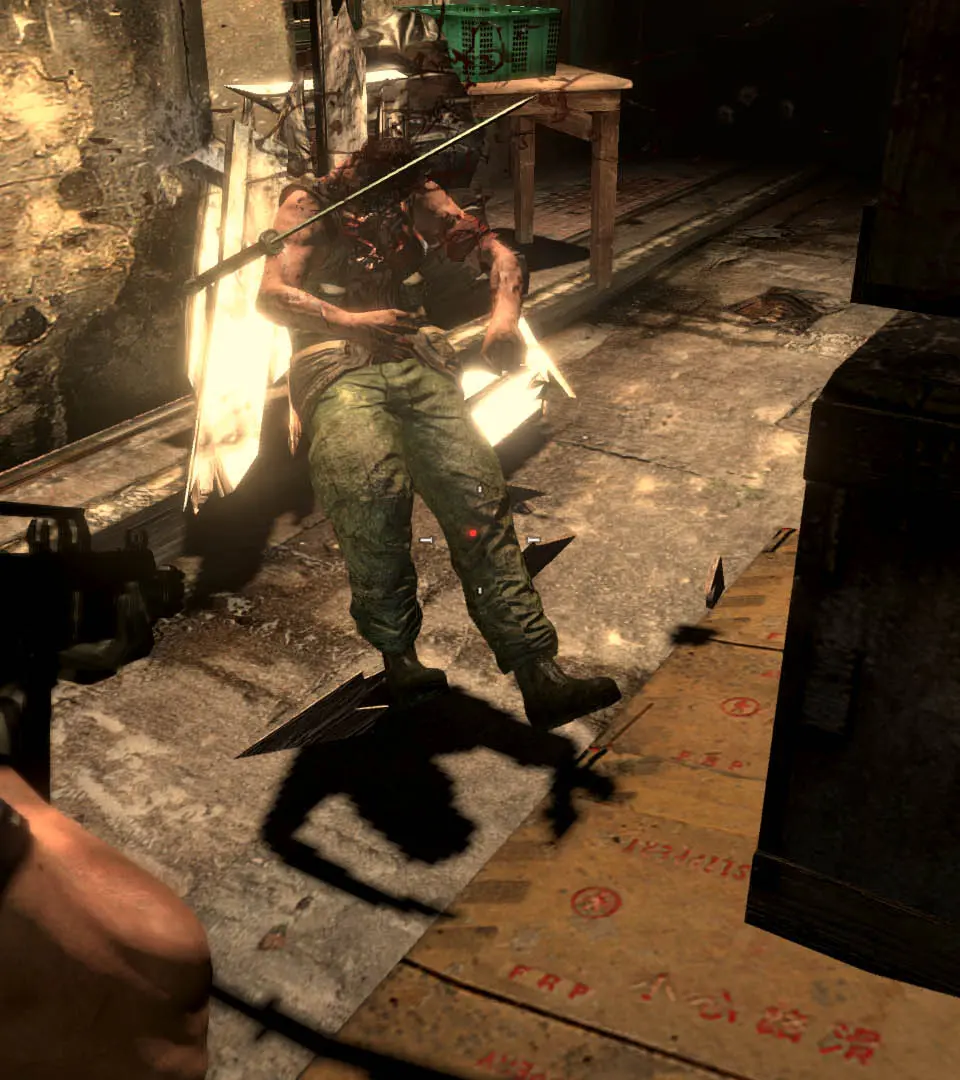
The UI in Resident Evil 6 provides vital information during gameplay. Your health bar is prominently displayed, along with your current weapon and ammunition count. Pay attention to the partner's health indicator, as their survival is often crucial for progressing. The inventory system is accessed via the pause menu, allowing you to manage items, combine herbs, and switch weapons. Familiarize yourself with the quick-select slots for rapid item usage in combat. The mini-map, when available, will show objectives and enemy locations, so keep an eye on it.