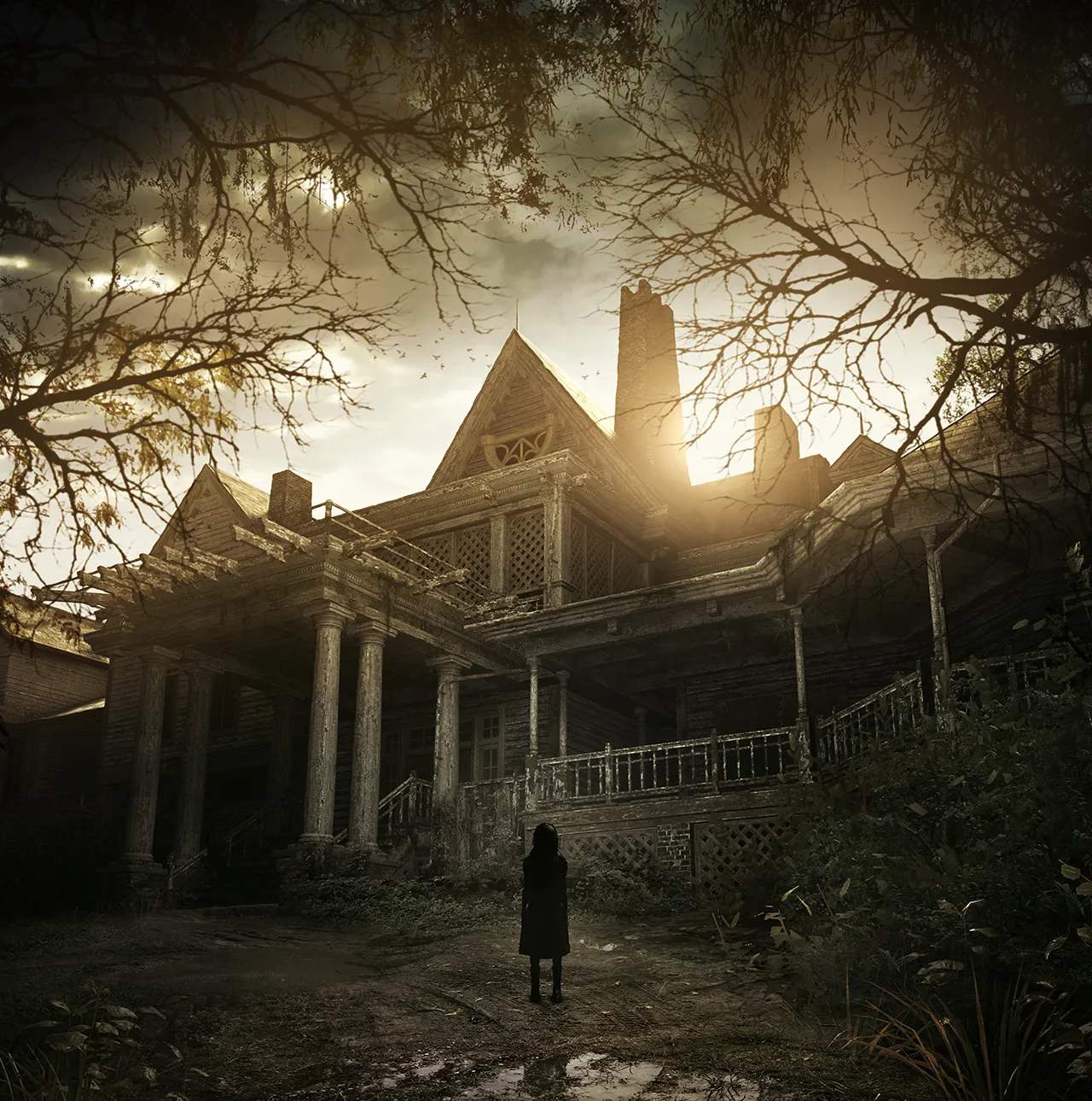
Game Installation & Setup
Before diving into the horrors of the Baker estate, ensure your game is properly installed and configured for the best experience. This section provides guidance on the initial setup, including any necessary patches or updates, and basic settings adjustments to optimize performance and immersion. A smooth setup is crucial for uninterrupted terror.
Resident Evil 7: Biohazard, with its shift to a first-person perspective, relies heavily on atmosphere and performance. Ensuring your system meets the recommended specifications and that the game is running optimally will prevent technical issues that could break the immersion or hinder your survival. Pay attention to graphics settings, audio options, and control configurations.
Key setup considerations:
- Installation: Follow the on-screen prompts for your platform (PC, PlayStation, Xbox) to install the game.
- Updates and Patches: Ensure the game is updated to the latest version to address bugs and improve stability.
- Graphics Settings: Adjust resolution, texture quality, anti-aliasing, and other visual settings to balance fidelity and performance.
- Audio Settings: Enable surround sound or adjust audio levels to enhance the terrifying sound des.
- Control Configuration: Customize keybindings or controller layouts for comfortable and responsive gameplay.
- VR Setup (if applicable): For players using VR, ensure your headset is properly connected and configured according to its specific instructions.
A well-configured game is your first line of defense against the psychological terror that Resident Evil 7 delivers. Take the time to set up your game correctly to fully appreciate the meticulously crafted horror experience.