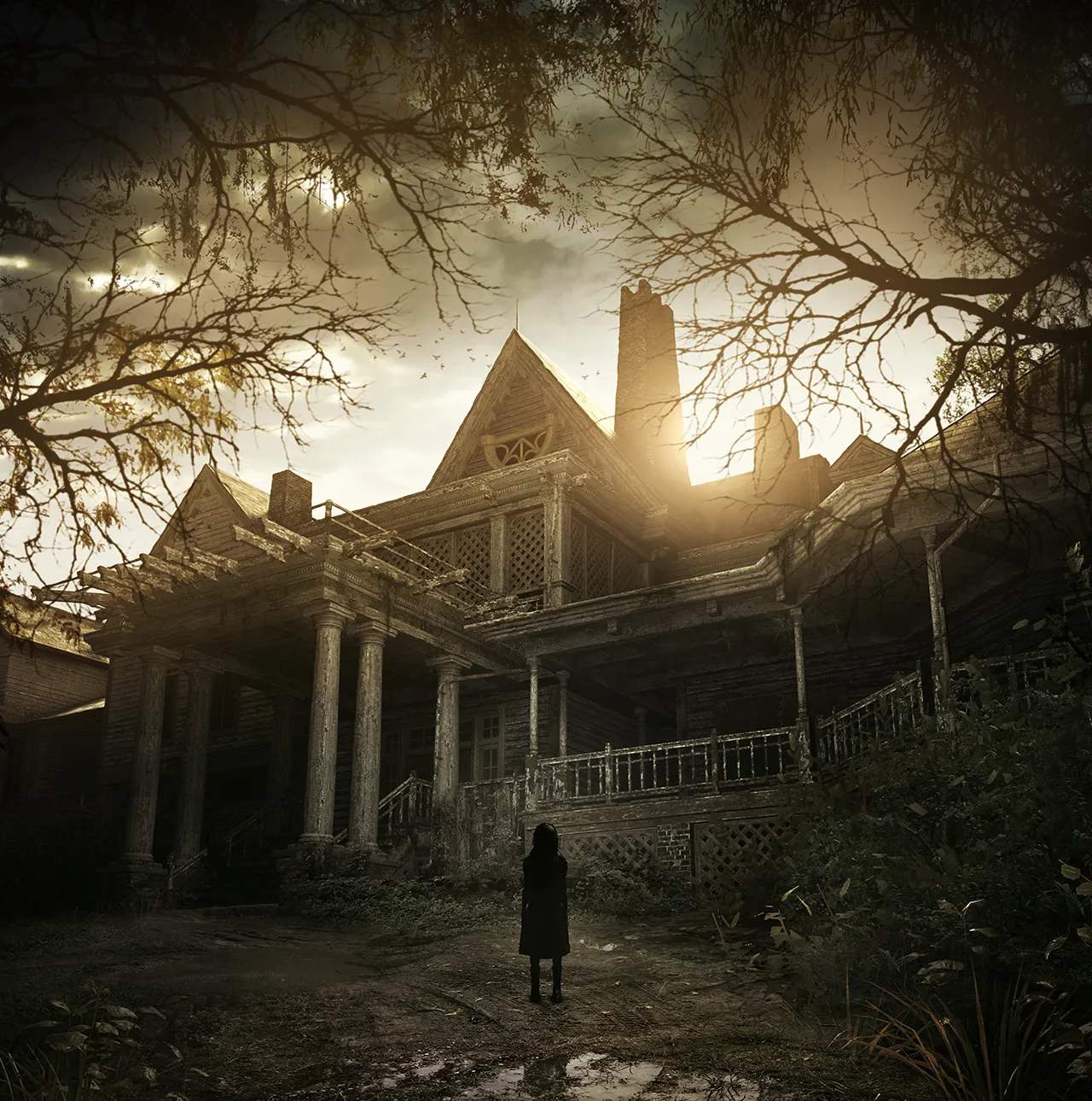
Xbox One Controls — Resident Evil 7: Biohazard Guide
Navigating the terrifying world of Resident Evil 7: Biohazard on Xbox One requires a firm grasp of its control scheme. This guide details the default button mappings, ensuring you can react swiftly and effectively to the horrors that await Ethan Winters.
The control scheme is desed for intuitive first-person gameplay, allowing for precise movement, aiming, and interaction with the environment.
| Action | Xbox One Control |
|---|---|
| Move / Strafe | Left Analog Stick |
| Camera Control | Right Analog Stick |
| Change Weapon | D-Pad Up, Left, Right, Down |
| Reload Gun / Move Inventory Items | X Button |
| Open / Close Inventory | Y Button |
| Interact / Select Inventory Items | A Button |
| Cancel Menu | B Button |
| Block Attack (Hold) / Switch tabs in Inventory | LB Button |
| Use First Aid Med / Switch tabs in Inventory | RB Button |
| Aim Weapon | LT Trigger |
| Use / Fire Weapon | RT Trigger |
| Enter and Exit Crouch Stance | Right Analog Stick (Push) |
| Run (hold while moving) | Left Analog Stick (Push) |
| Pause Menu | Menu Button |
| Files / Map | View Button |
Mastering these controls is essential for survival. The ability to quickly switch weapons, aim accurately, and reload efficiently can mean the difference between life and death when facing the Baker family and their monstrous creations. Pay close attention to the prompts on screen for context-sensitive actions, such as interacting with objects or performing quick-time events. Practicing these controls in less intense moments will prepare you for the high-stakes encounters that define Resident Evil 7.