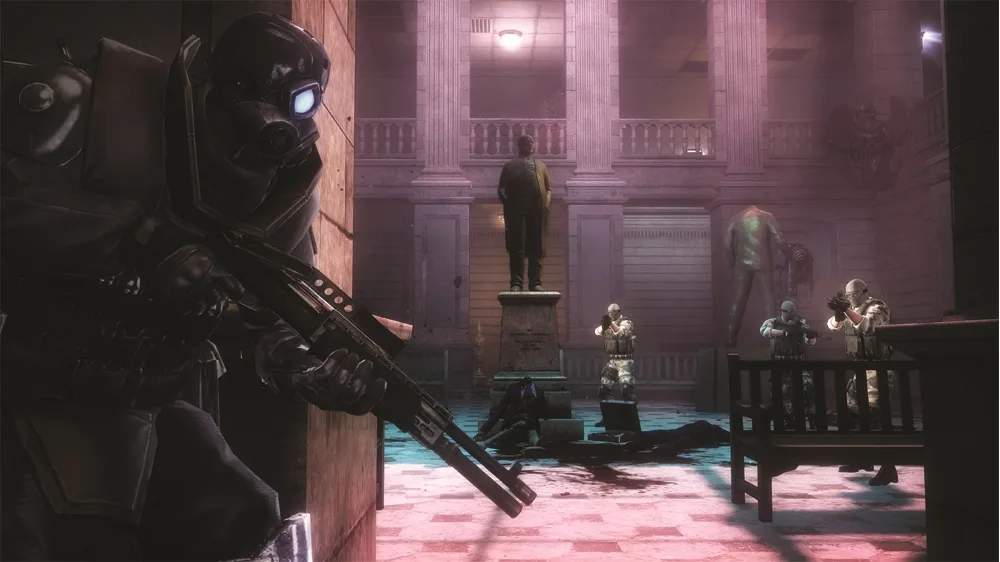
Understanding your controls is paramount. Resident Evil: Operation Raccoon City utilizes a third-person shooter control scheme. Here's a breakdown of the default controls for most platforms (adjust for your specific system):
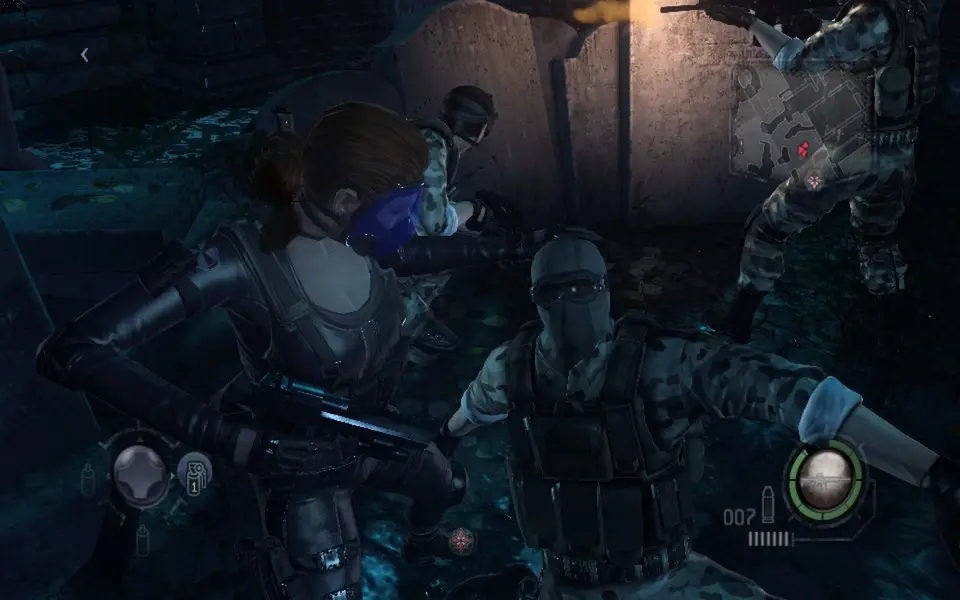
- Left Analog Stick/WASD: Move Character
- Right Analog Stick/Mouse: Control Camera/Aim
- L2/Left Trigger: Aim Weapon
- R2/Right Trigger: Fire Weapon
- X/Spacebar: Interact/Reload/Contextual Action
- Square/F: Melee Attack
- Circle/C: Dodge/Sprint (hold)
- Triangle/E: Use Item/Special Ability
- L1/Q: Use Grenade/Secondary Item
- R1/R: Switch Weapon
- D-Pad Up/1: Select Primary Weapon
- D-Pad Down/2: Select Secondary Weapon
- D-Pad Left/3: Select Grenade
- D-Pad Right/4: Select Health Item
- Start/Esc: Pause Menu/Inventory
Practice these movements in a safe area before engaging enemies. Mastering the dodge roll is crucial for avoiding incoming attacks, especially from Hunters and Lickers. Remember to reload frequently when safe, as running out of ammo in a firefight can be deadly.
Compare controls & basic movement inResident Evil Village