The User Interface in Resident Evil: Revelations 2 provides essential information at a glance, allowing you to make quick decisions in the heat of battle. Understanding each element is key to effective resource management and situational awareness. Here's a breakdown of the main UI components you'll encounter:
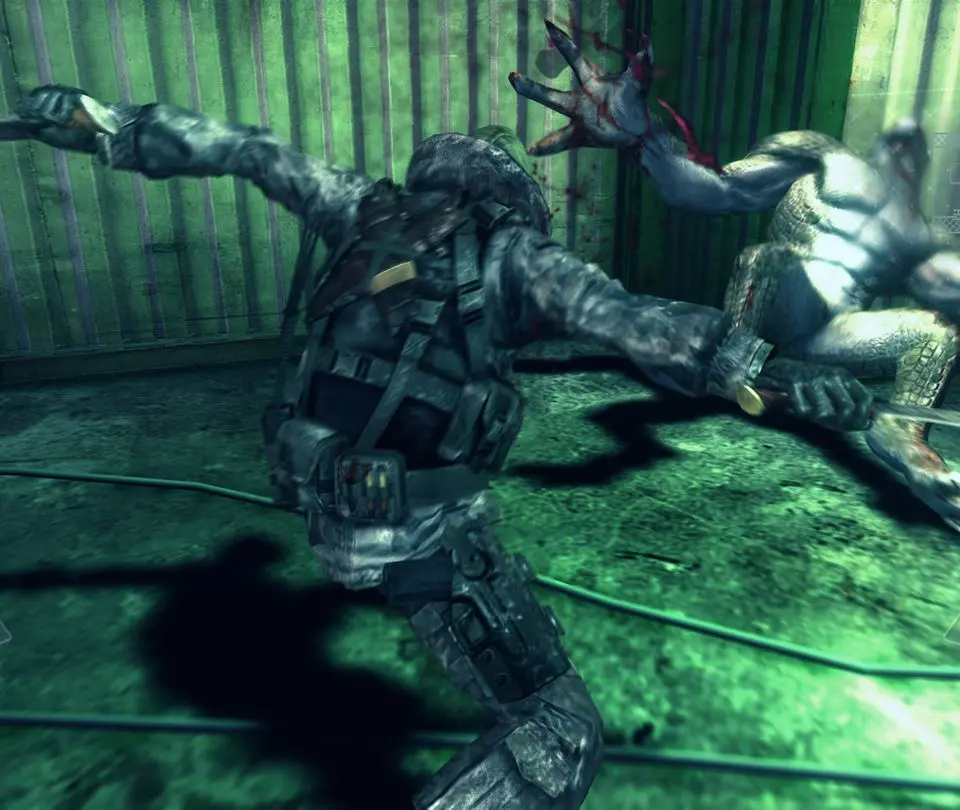
- Health Bar: Located in the bottom left corner, this bar indicates your current health. It will change color from green (healthy) to yellow (caution) to red (danger) as you take damage.
- Weapon Display: Next to the health bar, this shows your currently equipped weapon and the remaining ammunition in its magazine.
- Sub-Weapon/Partner Ability Icon: Above the weapon display, this icon indicates your partner's current ability (Moira's flashlight charge, Natalia's brick count) or your selected sub-weapon.
- Item Quick Select: In the bottom right, this displays the items assigned to your quick select slots (R1/RB). Typically, this includes healing items and grenades.
- Partner Status: A small portrait of your partner will appear near your health bar, indicating their current status (e.g., if they are incapacitated).
- Interaction Prompts: Context-sensitive prompts will appear on screen when you can interact with objects, open doors, or pick up items.
Keep a close eye on your health and ammunition, as resources are often scarce. The quick select menu is invaluable for rapid healing or deploying explosives when overwhelmed.