
Understanding the control scheme is paramount for survival. While specific button layouts may vary slightly between platforms (e.g., console vs. PC), the core actions remain consistent. Here's a general overview:
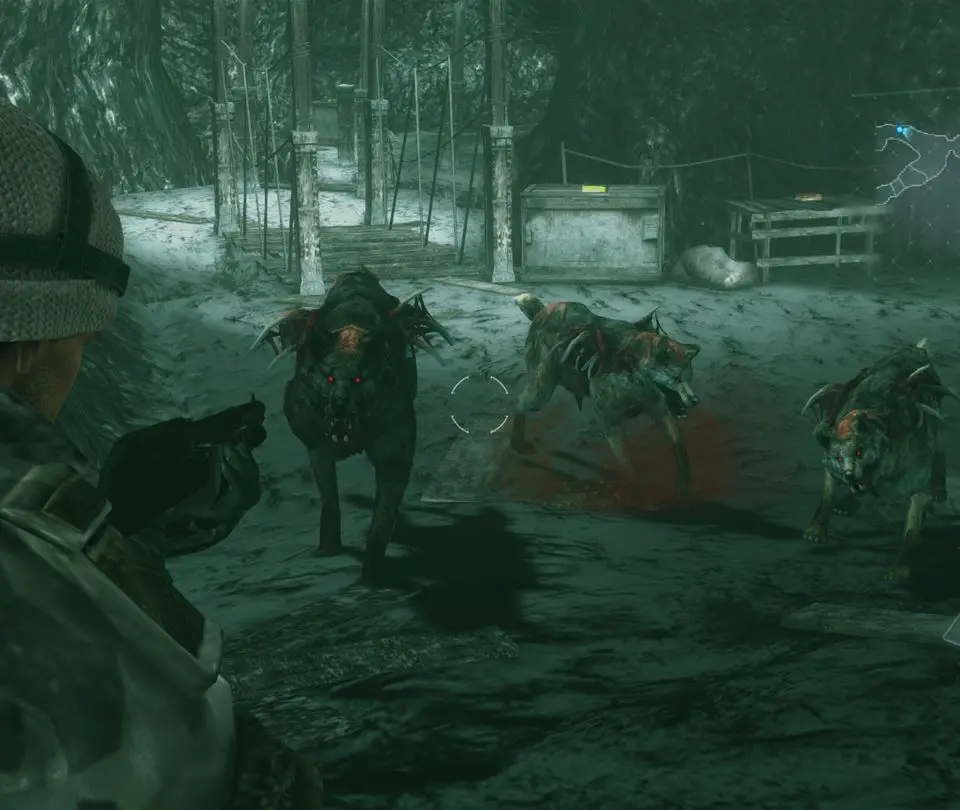
- Movement: Use the left analog stick/WASD to move your character.
- Aiming: Hold the left trigger/right mouse button to aim your weapon.
- Firing: Press the right trigger/left mouse button to fire while aiming.
- Melee Attack: Press the action button (usually A/X on console, E on PC) when an enemy is stunned or close to perform a powerful melee attack. This conserves ammo and can knock down multiple enemies.
- Reload: Press the reload button (usually X/Square on console, R on PC) to reload your current weapon.
- Interact/Examine: Press the action button to open doors, pick up items, and examine objects.
- Dodge: While aiming, push the left analog stick/WASD in a direction and press the sprint button (usually B/Circle on console, Shift on PC) to perform a quick dodge. This is invaluable for avoiding enemy attacks.
- Inventory: Access your inventory via the menu button (usually Start/Options on console, Esc on PC).
Practice these controls in a safe area to get a feel for the character's movement and combat mechanics. The dodge mechanic, in particular, can be a lifesaver against faster or more powerful enemies.
Compare basic controls & movement inResident Evil Village