
The Genesis Scanner is a crucial piece of equipment that Jill and Parker carry. It serves two primary functions: scanning enemies and scanning the environment for hidden items. To use it, hold down the Genesis button (usually L1/LB on console, F on PC) and aim the reticle at your target.
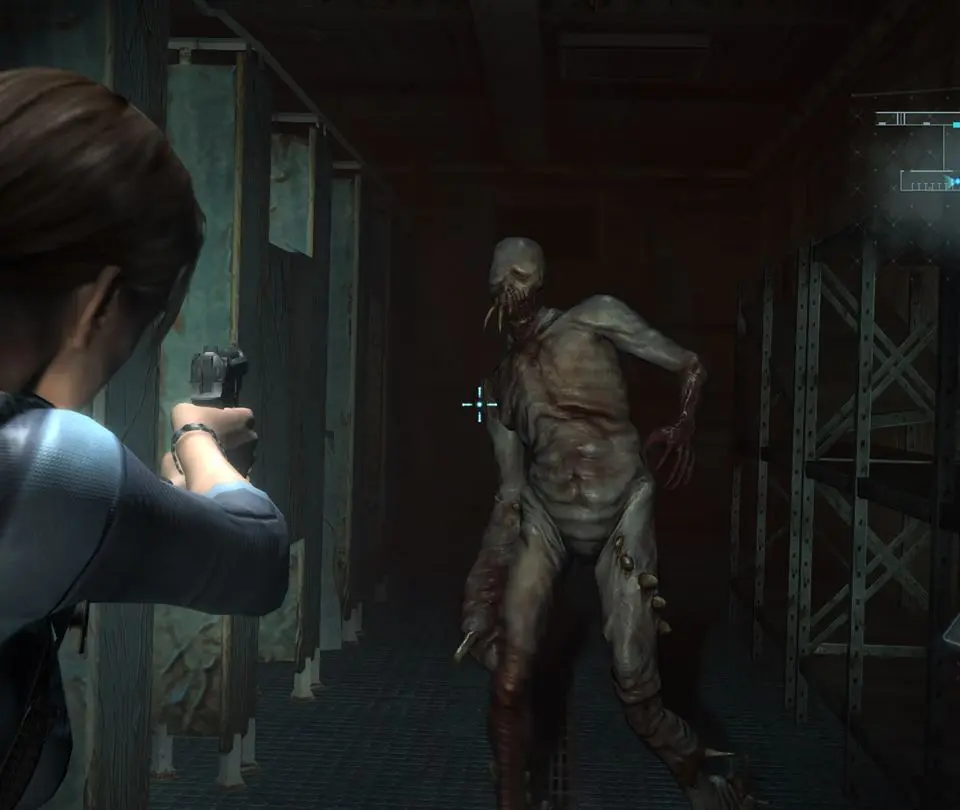
- Scanning Enemies: Scanning enemies fills a percentage gauge in the bottom right of your screen. Once this gauge reaches 100%, you will be rewarded with a free healing item (Green Herb). Different enemies contribute varying amounts to the gauge, with stronger enemies often providing more. You can scan the same enemy multiple times, but only the first scan contributes to the gauge.
- Scanning the Environment: The Genesis can also reveal hidden items, such as ammunition, custom parts, and even secret passages. Look for shimmering distortions in the environment; these indicate something can be scanned. Scanning these hidden items will often reveal them for pickup.
Make it a habit to frequently pull out your Genesis and scan every new area and every enemy you encounter. This not only provides valuable healing items but also ensures you don't miss out on crucial resources or secrets. The Genesis is an invaluable tool for resource management and exploration.