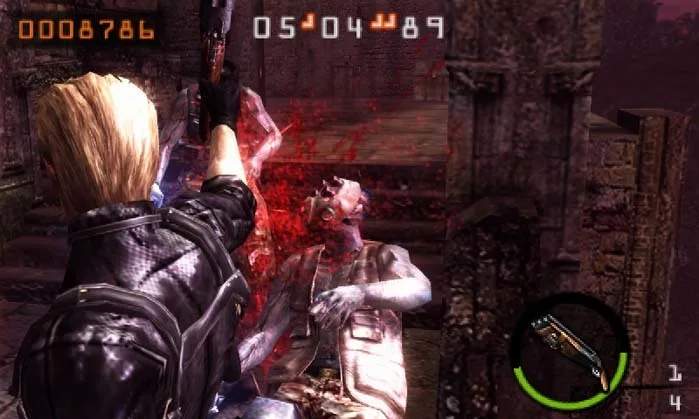
Mastering the controls is the first step to survival. The game uses the Nintendo 3DS's unique input methods effectively. Here's a breakdown:
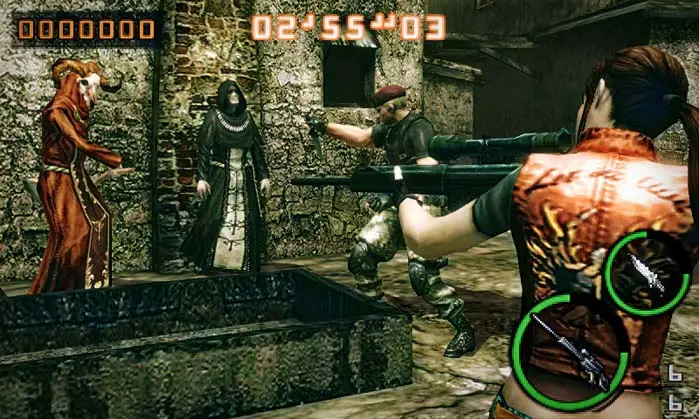
- Circle Pad: Moves your character. Essential for dodging and positioning.
- A Button: Action/Confirm. Used for opening doors, picking up items, and interacting with the environment.
- B Button: Run/Cancel. Hold to sprint, which consumes stamina. Tap to cancel actions or menus.
- X Button: Reload. Crucial for maintaining continuous fire. Reloading strategically during enemy downtime is key.
- Y Button: Melee Attack. After stunning an enemy (usually with a headshot or leg shot), press Y for a powerful melee attack. This is vital for saving ammo and extending combos.
- L Button: Aim. Hold to enter aiming mode. Your character will stand still while aiming.
- R Button: Fire. While holding L, press R to shoot your equipped weapon.
- Touch Screen: Weapon/Item Selection. Tap the icons on the bottom screen to quickly switch between your equipped weapons and items (grenades, healing sprays).
- D-Pad: Camera Control (if not using Circle Pad Pro). Adjusts the camera angle.
- Start Button: Pause Menu. Access options, mission details, and character loadouts.
Practice these controls in the early missions to build muscle memory. Efficient movement and quick weapon switching are critical for high scores.