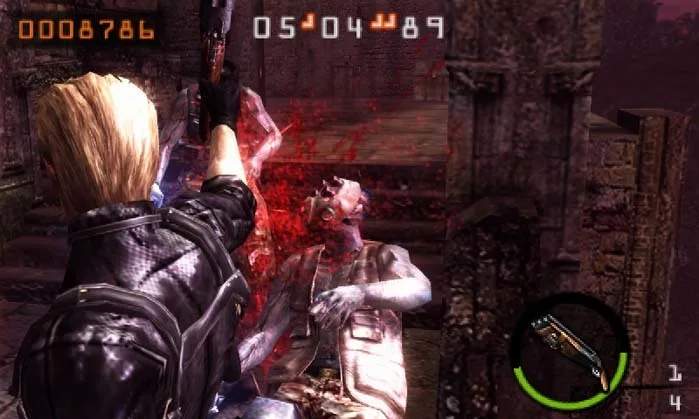
The UI provides critical information during missions. Keeping an eye on these elements will help you make informed decisions:
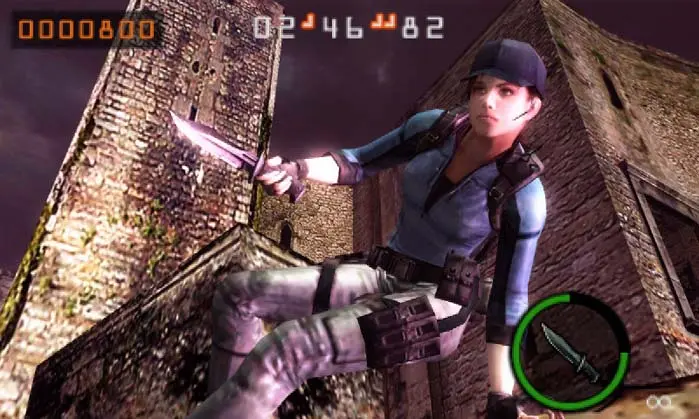
- Top Screen: Displays the main gameplay action.
- Bottom Screen (Touch Screen):
- Weapon Slots: Shows your currently equipped weapons and their remaining ammunition. Tap to switch.
- Item Slots: Displays grenades, healing sprays, and other usable items. Tap to use.
- Combo Timer: A small bar that depletes over time. Keep killing enemies to refresh it and maintain your combo multiplier.
- Score: Your current mission score.
- Time Remaining: The countdown timer for the mission.
- Character Health: A bar indicating your character's health. Red means critical.
- Special Attack Gauge: Fills as you deal damage and perform melee attacks. When full, you can unleash a powerful special attack.
- On-Screen Prompts: Context-sensitive prompts will appear for actions like 'Reload' or 'Melee'.
Pay close attention to your combo timer; letting it expire will reset your multiplier, significantly impacting your final score. Efficiently managing your health and ammunition through the UI is key to survival and high-score chasing.