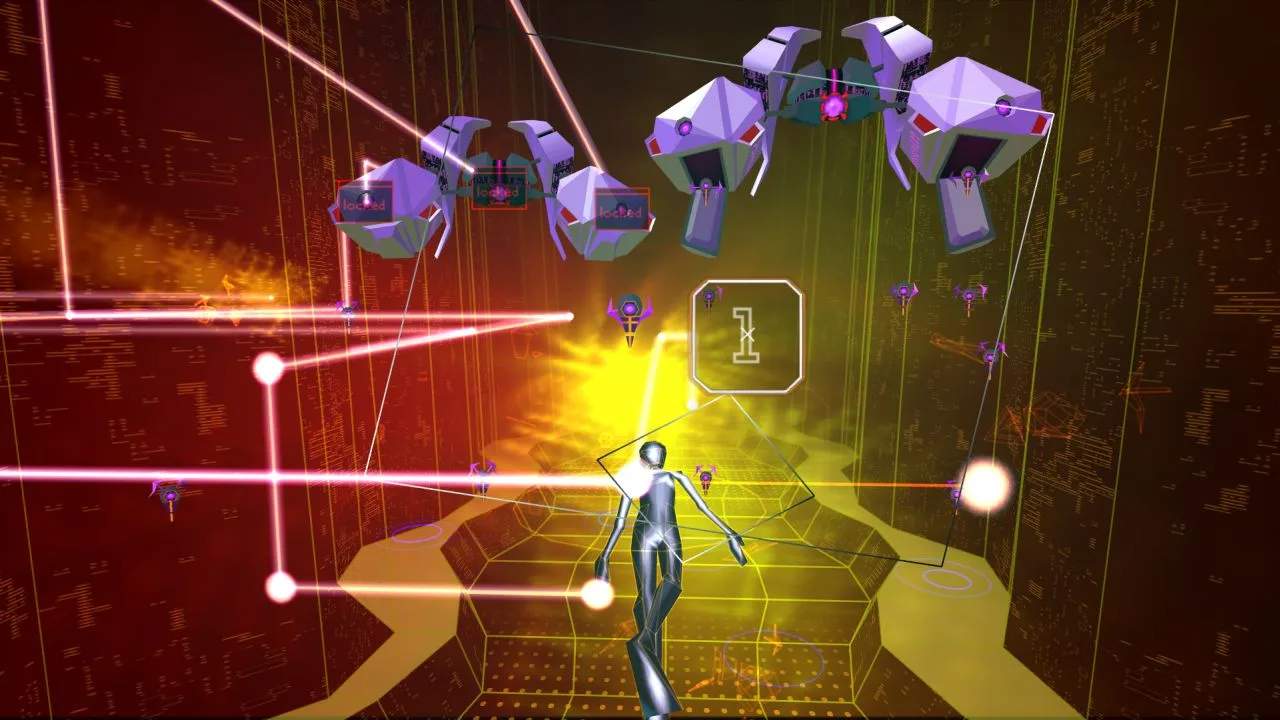
The user interface in Rez Infinite is minimalist and integrated directly into the game world. Key elements to observe are:
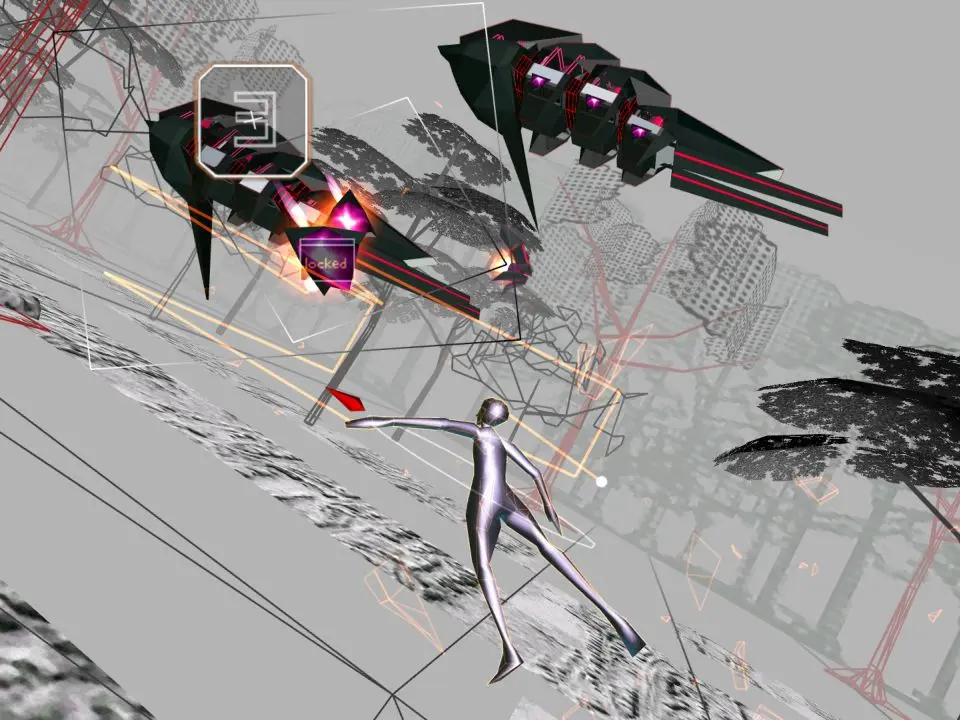
- Avatar Evolution: Your avatar's form changes as you collect 'Evolution' items. Starting as a basic sphere, you'll evolve through several stages, gaining more health and a larger hitbox for collecting items. Losing health causes your avatar to devolve.
- Health Bar: Represented by the current stage of your avatar. Each hit causes a devolution. If you devolve past the initial sphere, you lose a life.
- Overdrive Stock: Indicated by glowing orbs or segments around your avatar. You start with a limited number and can collect more.
- Score Multiplier: Often displayed subtly, chaining attacks and destroying multiple enemies simultaneously increases your score multiplier.
- Enemy Lock-on Count: As you hold the attack button, you'll see a visual indicator (often a number or a series of lines) showing how many enemies you've locked onto. Maximize this for efficient clearing and higher scores.
The UI is designed to be intuitive and non-intrusive, allowing you to focus on the rhythm and visuals.