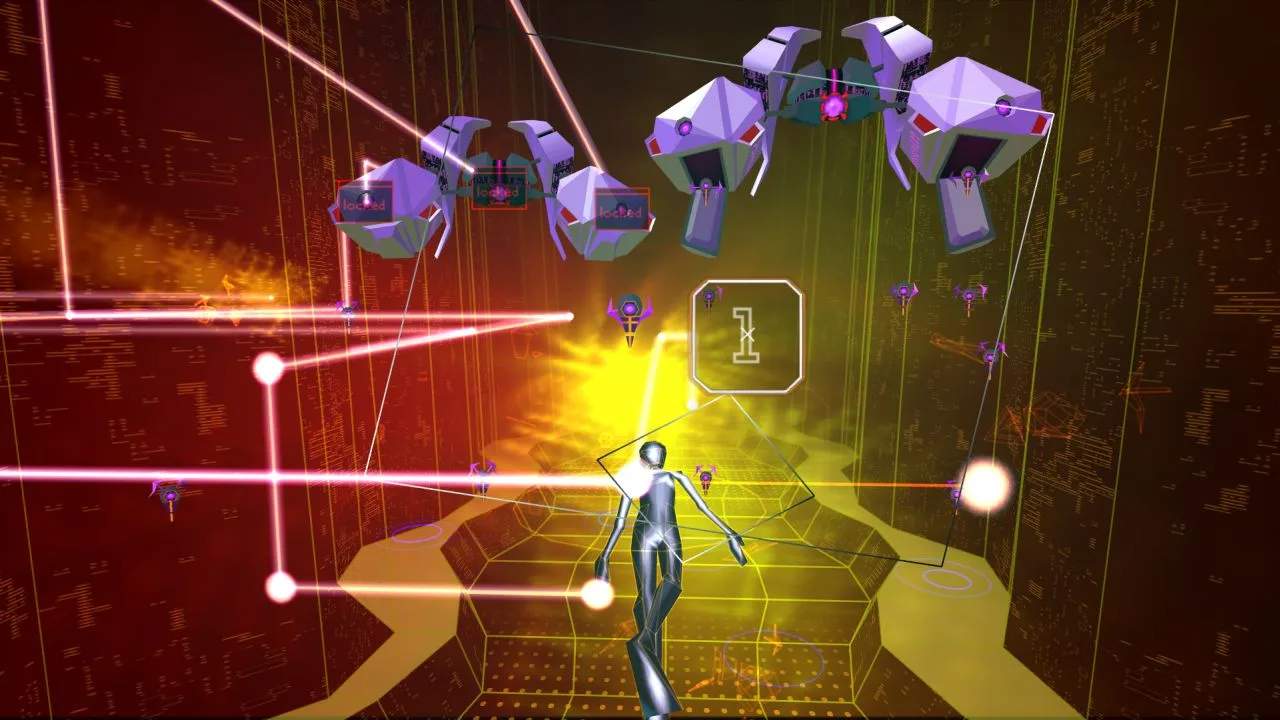
Rez Infinite offers a deeply immersive experience, especially when played with PlayStation VR. Understanding the VR controls and how to interact with the game world is crucial for maximizing your enjoyment and effectiveness. This guide will break down the essential VR interactions.
VR Headset Controls
The primary way you'll interact with Rez Infinite in VR is through your head movements. Your view is directly tied to where you're looking. This allows for intuitive aiming and a sense of presence within the game's abstract environments.
- Aiming: Simply look at an enemy or target to lock onto it. The longer you maintain your gaze, the more locks you'll accumulate.
- Camera Control: Your head movements dictate the camera. This means you can look around the environment freely, spotting enemies that might be off-screen in a traditional playthrough.
- Dodging (Implied): While there's no direct dodge button, your avatar will automatically move along the rail. Your head movements can subtly influence your position relative to incoming fire, though this is more about awareness than direct control.
VR Controller Interactions
Your PlayStation Move controllers (or DualShock 4 in some configurations) are used for firing and activating Overdrive.
- Firing: Typically, the primary trigger or a face button on your controller will fire your weapon. This action is often tied to your gaze; when you look at a target and press the fire button, your avatar will shoot.
- Overdrive Activation: A dedicated button on your controller is used to activate your Overdrive. This is a powerful ability that clears the screen, so ensure you know which button it is and use it strategically.
- Menu Navigation: In menus and during gameplay, your controller may be used to select options or interact with certain UI elements.
Interacting with the Environment
While Rez Infinite is primarily a rail-shooter, the VR version can offer subtle environmental interactions:
- Visual Feedback: Looking at certain objects or enemies can trigger unique visual effects or audio cues, enhancing the synesthetic experience.
- Targeting Specific Elements: Some achievements or scoring opportunities might require you to focus your gaze on specific, non-enemy elements within the environment for a short period.
Tips for VR Play
- Find a Comfortable Setup: Ensure your VR headset is properly fitted and your play space is clear. This will enhance immersion and prevent discomfort.
- Practice Your Gaze: Developing a quick and accurate gaze for targeting is key. Practice locking onto multiple enemies rapidly.
- Listen to the Cues: The audio and visual cues are even more pronounced in VR. They are your primary guides for enemy placement and attack patterns.
- Breathe: The intensity of VR can be overwhelming. Take moments to appreciate the visuals and sounds, and remember to breathe.
- Experiment with Controller Mapping (if available): Some versions or settings might allow for controller remapping. If you find a particular button layout more intuitive, explore those options.
By mastering these VR controls and interactions, you'll unlock the full potential of Rez Infinite's immersive and groundbreaking experience.