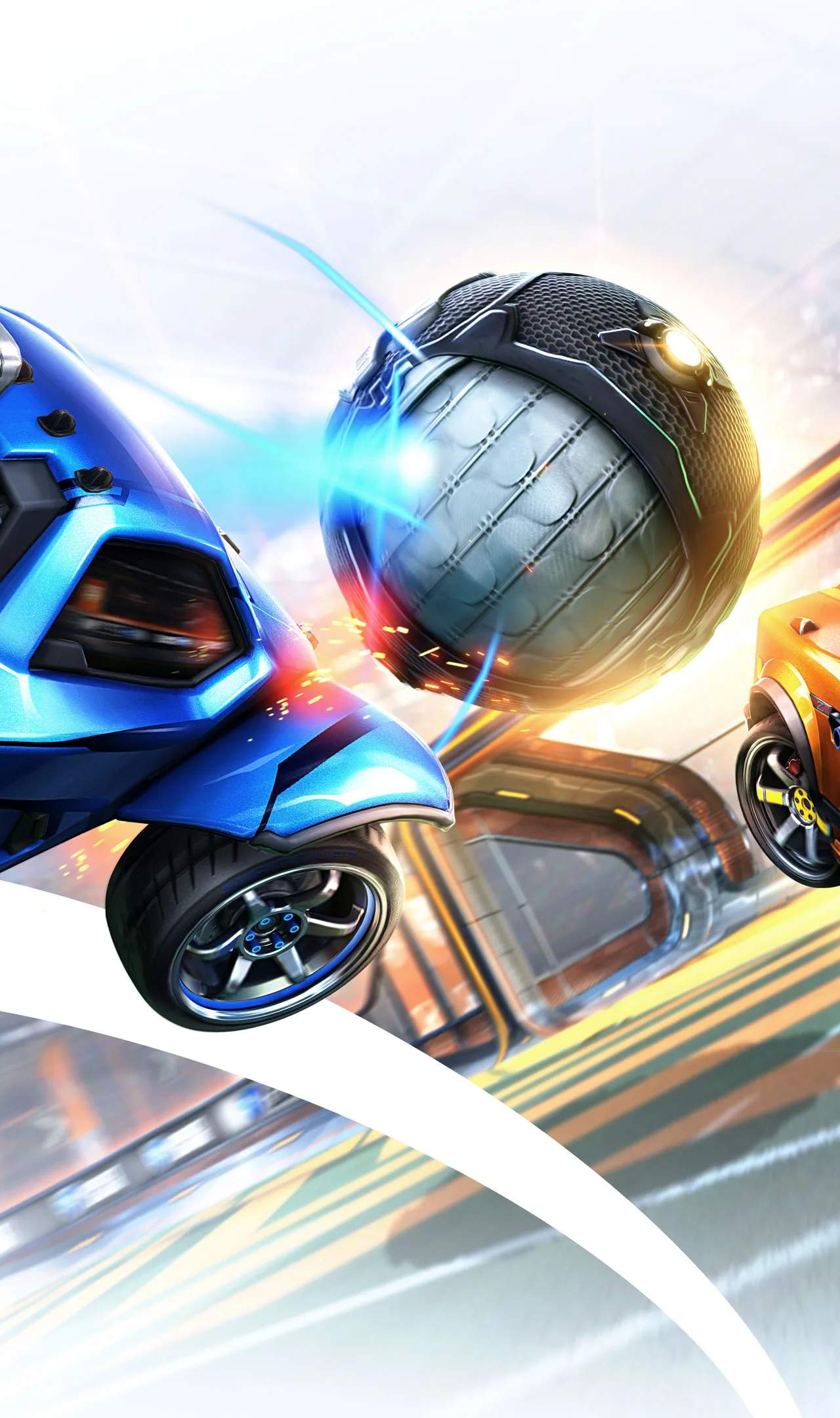
The Rocket League community is vast and active, offering numerous avenues for players to connect, share knowledge, and engage with the game beyond the arena. Participating in community forums and Discord servers can provide invaluable support, learning opportunities, and a sense of belonging among fellow enthusiasts.
Official Rocket League Forums
The official Rocket League forums, hosted on the Psyonix website, serve as a central hub for discussions related to the game. Here, you can find:
- General Discussion: Talk about anything related to Rocket League, from strategies to car dess.
- Bug Reports and Feedback: Report any issues you encounter or provide suggestions for game improvements directly to the developers.
- Technical Support: Find solutions to common technical problems or ask for help from the community and Psyonix staff.
- Community Spotlights: Discover player-created content, tournaments, and events.
Accessing the Forums: Typically found via a link on the official Rocket League website or through a search engine.
Discord Servers: Real-Time Interaction and Community
Discord has become the de facto platform for real-time community interaction in gaming. There are countless Rocket League Discord servers, ranging from official ones to community-run groups.
- Official Rocket League Discord: Often linked from the game's main menu or official website, this server is a great place to find announcements, connect with developers, and participate in community events.
- Community-Run Servers: Many large Rocket League content creators, esports organizations, and regional communities have their own Discord servers. These are excellent for finding teammates, discussing strategies, and participating in community tournaments.
- LFG (Looking For Group) Channels: Most servers have dedicated channels where You can post looking for teammates for specific playlists or ranks.
- Strategy and Coaching Channels: Some servers have channels dedicated to discussing advanced tactics or offering free coaching to lower-ranked players.
Finding and Joining Discord Servers
You can find Discord servers through:
- Content Creator Links: Many YouTubers and Twitch streamers will have a Discord link in their video descriptions or stream overlays.
- Reddit: The r/RocketLeague subreddit often has posts linking to popular Discord servers.
- Direct Invites: Friends might invite you to their preferred servers.
Benefits of Community Engagement
| Benefit | Description |
|---|---|
| Finding Teammates | Easily connect with players of similar skill levels and playstyles for ranked or casual matches. |
| Learning and Improvement | Ask questions, get advice from experienced players, and learn new strategies or mechanics. |
| Staying Updated | Receive news about game updates, events, and developer announcements directly. |
| Community Events | Participate in community-run tournaments, custom game nights, and other fun activities. |
| Sense of Belonging | Connect with like-minded individuals who share your passion for Rocket League. |
Etiquette and Best Practices
- Be Respectful: Treat all members with courtesy.
- Use Channels Appropriately: Post in the correct channels (e.g., LFG for finding teammates, general chat for casual conversation).
- Read Server Rules: Each server has its own set of rules; familiarize yourself with them.
- Contribute Positively: Share your knowledge and help others when you can.
Engaging with the Rocket League community through forums and Discord servers can sificantly enrich your gaming experience, providing support, knowledge, and friendships that extend far beyond the virtual pitch.