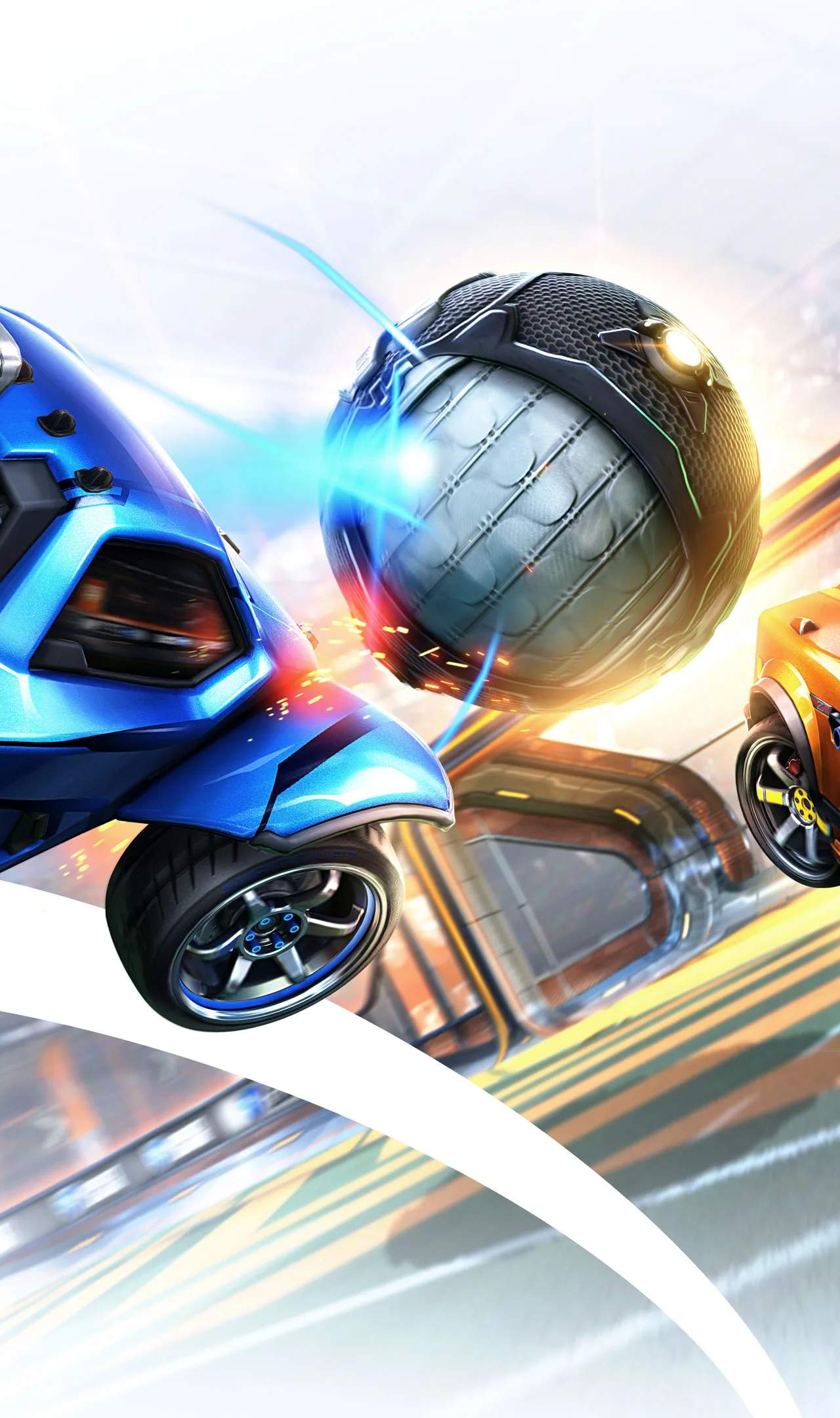
Lag, stuttering, and disconnects can ruin your Rocket League experience. Network connectivity issues are a common frustration, but understanding their causes and potential solutions can help you get back to smooth gameplay. This section provides troubleshooting steps to diagnose and resolve common network problems affecting your game.
Identifying Network Issues
Symptoms of network problems include:
- Lag/High Ping: Your car's actions appear delayed, or the ball teleports.
- Stuttering/Freezing: The game briefly stops or jumps forward.
- Disconnections: You are abruptly removed from matches.
- Packet Loss: Data packets are lost between your device and the server, causing erratic behavior.
Common Causes and Solutions
1. Internet Connection Stability
Cause: An unstable or slow internet connection is the most frequent culprit.
Solutions:
- Restart Your Modem and Router: Unplug both devices for 30 seconds, then plug them back in, starting with the modem.
- Use a Wired Connection (Ethernet): Wi-Fi is susceptible to interference. An Ethernet cable provides a more stable and faster connection.
- Check Your Internet Speed: Run a speed test (e.g., speedtest.net) to ensure you're getting the speeds advertised by your ISP. Aim for at least 10-15 Mbps download and 3-5 Mbps upload for gaming.
- Reduce Bandwidth Usage: Ensure other devices on your network aren't heavily using bandwidth (e.g., streaming 4K video, large downloads).
2. Router and Modem Issues
Cause: Outdated firmware, overheating, or hardware malfunctions.
Solutions:
- Update Router Firmware: Check your router manufacturer's website for firmware updates.
- Ensure Proper Ventilation: Make sure your modem and router have adequate airflow.
- Consider Replacing Old Hardware: If your equipment is several years old, it might be time for an upgrade.
3. In-Game Server Issues
Cause: Sometimes, the problem lies with Rocket League's servers.
Solutions:
- Check Server Status: Psyonix (the developer) sometimes announces server issues on their official Twitter or website.
- Try Different Server Regions: In the game's settings, you can select different server regions. If one region is experiencing issues, another might be stable.
4. Device-Specific Problems
Cause: Issues with your console or PC's network adapter or operating system.
Solutions:
- Restart Your Console/PC: A simple reboot can resolve temporary glitches.
- Update Network Drivers (PC): Ensure your network adapter drivers are up to date.
- Check Firewall/Antivirus Settings: Ensure Rocket League is not being blocked by your firewall or antivirus software.
Advanced Troubleshooting
If the above steps don't resolve your issues, consider:
- Quality of Service (QoS) Settings: Some routers allow you to prioritize network traffic for gaming devices.
- DNS Settings: Changing your DNS server (e.g., to Google DNS or Cloudflare DNS) can sometimes improve connection stability.
- Contacting Your ISP: If you suspect a problem with your internet service itself, reach out to your Internet Service Provider.
By systematically working through these troubleshooting steps, you can sificantly improve your Rocket League online experience and reduce frustrating network-related interruptions.