
Satisfactory
Satisfactory

Basic Controls and User Interface — Satisfactory Guide

Learn Satisfactory controls like WASD movement and the build menu. Understand the user interface for efficient resource gathering and construction.

·Multi-source verified (58/58)

Familiarize yourself with the core controls. WASD for movement, Spacebar to jump, E to interact, and Q to open the build menu. The UI displays your inventory, health, and current objectives. Pay attention to the compass for resource locations and the build menu for available structures. Understanding these basics will make your early game much smoother and more efficient.
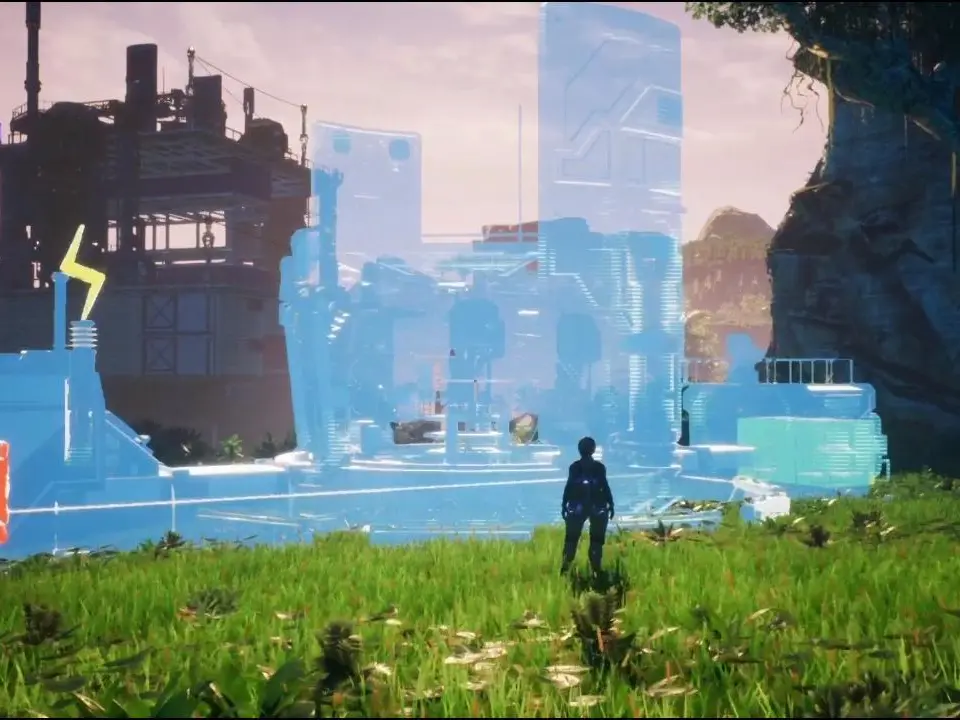
Basic Controls and User Interface - Satisfactory screenshot
Basic Controls and User Interface
Compare basic controls and user interface inAmnesia: The Bunker