The UI in Sekiro is minimalist but provides all necessary information. In the top left, you'll see your health bar (red) and Posture bar (yellow). Below that are your Spirit Emblems, used for Prosthetic Tool abilities. The bottom left displays your equipped Prosthetic Tool and Quick Item. The bottom right shows your current Sen (currency) and Skill Points. Pay attention to enemy health and Posture bars, which appear above them during combat. A red kanji symbol indicates an unblockable Perilous Attack.
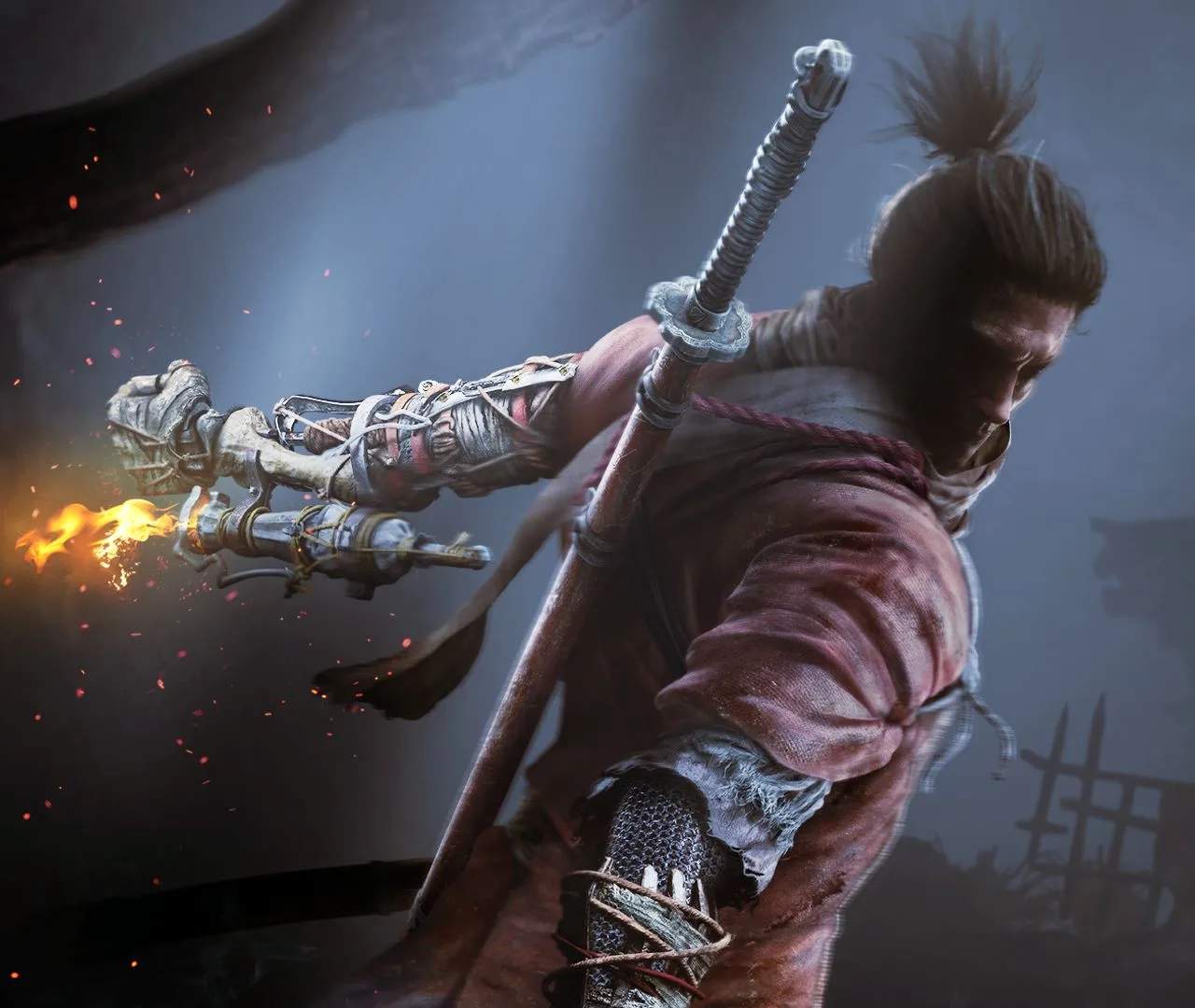
Sekiro: Shadows Die Twice
User Interface (UI) Explained — Sekiro: Shadows Die Twice Guide
A detailed explanation of Sekiro's user interface, including health, posture, Spirit Emblems, prosthetic tools, and quick items.
·Multi-source verified (120/120)