
Mastering the controls is crucial for survival. Serious Sam's gameplay relies heavily on movement and precise aiming. Here are the default keybindings:
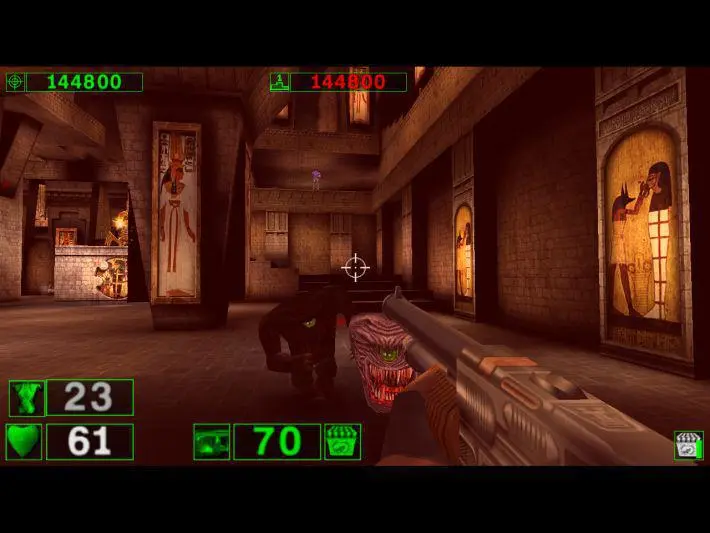
- W, A, S, D: Move Forward, Left, Backward, Right
- Mouse: Look Around / Aim
- Left Mouse Button: Fire Weapon
- Right Mouse Button: Alternate Fire (for some weapons)
- Spacebar: Jump
- Shift: Sprint (hold)
- Ctrl: Crouch (toggle)
- R: Reload (for weapons that require it, though most are automatic)
- 1-9: Select Weapon Slot
- Q / E: Previous / Next Weapon
- F: Use / Interact
- Tab: Scoreboard / Objectives
- Esc: Pause Menu
We highly recommend customizing these controls in the 'Options' menu to suit your personal preference. Many players prefer to bind weapon slots to easily accessible keys or use the mouse wheel for weapon cycling. Practice strafing and circle-strafing, as these techniques are vital for dodging enemy projectiles and maintaining offensive pressure.