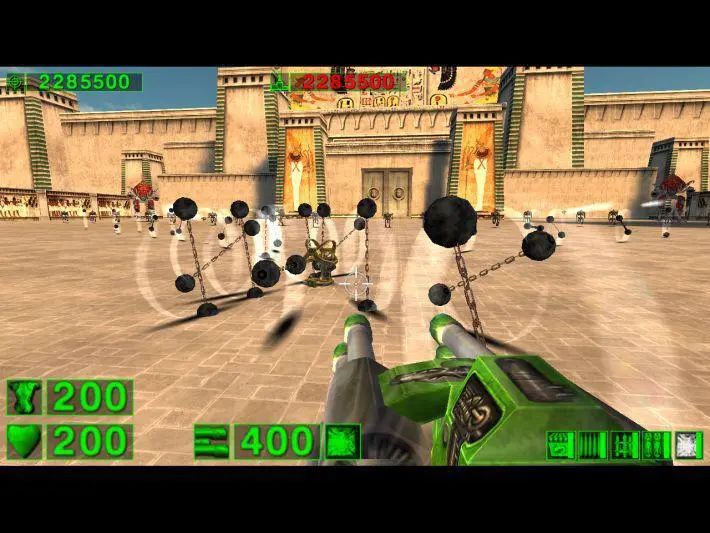
Before you can unleash Serious Sam's fury, you'll need to install the game. If you're playing on PC, insert the game disc or download it from your digital storefront (Steam, GOG, etc.). Follow the on-screen prompts for installation. Once installed, launch the game. It's highly recommended to visit the 'Options' menu before starting a new game. Here, you can adjust your display resolution, graphics settings, and audio levels to optimize your experience. Pay particular attention to the 'Controls' section to familiarize yourself with the default keybindings, which we'll cover in more detail next. Ensuring a smooth frame rate and comfortable visual settings will significantly enhance your gameplay.