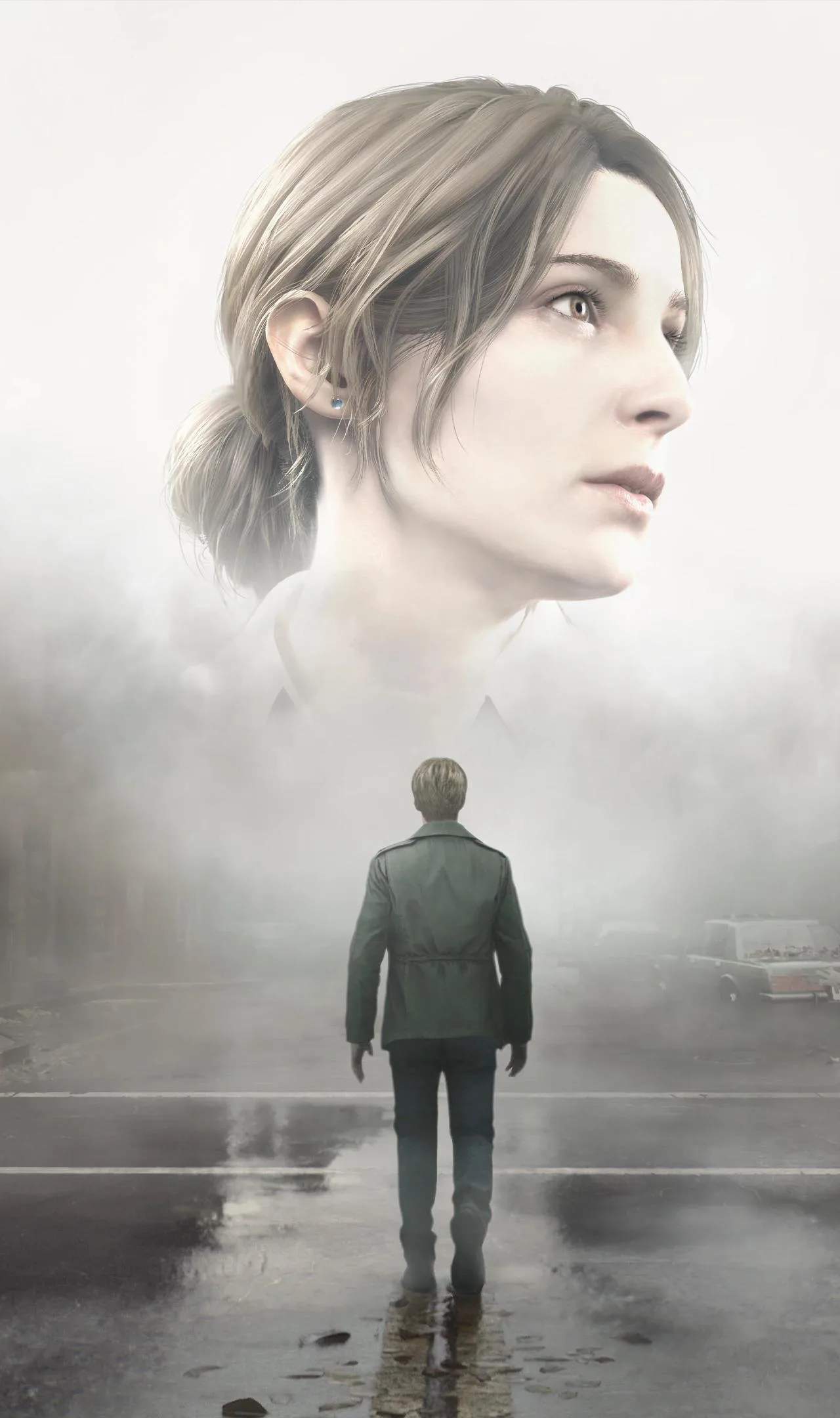
Navigating the treacherous and disorienting landscape of Silent Hill 2 (Remake) is made possible by its essential map and navigation system. This tool is more than just a guide; it's a lifeline in the fog-laden streets and labyrinthine interiors, helping James piece together his surroundings and objectives.
The In-Game Map
The map in Silent Hill 2 (Remake) is accessed through your inventory menu. It dynamically updates as you explore, revealing the areas you have visited. Key features of the map include:
- Explored Areas: Sections of the map you have physically traversed will be filled in.
- Objective Markers: The game will often place markers on the map to indicate your current objective or important locations.
- Locked Doors and Points of Interest: Sometimes, the map will denote locked doors or areas that require specific items to access, even if you haven't been there yet.
- Item Locations: Crucial items, such as keys or puzzle pieces, may be marked once discovered.
Understanding Map Symbols
Familiarize yourself with the map's iconography. Common symbols might include:
- Red 'X': Indicates your current objective or a critical point of interest.
- Blue Dots: Represent save points.
- Door Icons: May indicate locked doors or passages.
- Item Icons: Highlight locations where important items can be found.
Navigation Strategies
Effective navigation is crucial for survival:
- Consult Frequently: Don't hesitate to open your map often, especially when entering new areas or feeling disoriented.
- Note Key Locations: Mentally (or physically, if you prefer) note the locations of save points, item caches, and potential shortcuts.
- Use Landmarks: In the fog, visual landmarks can be scarce. Pay attention to unique buildings, ss, or environmental features that can help orient you.
- Listen to Audio Cues: The game's sound des is paramount. Distant sirens, creature noises, or environmental sounds can alert you to your surroundings and potential dangers, even if they aren't visible on the map.
- Backtracking with Purpose: If you need to return to a previous area, use your map to plan the most efficient route.
The Fog and Disorientation
The infamous fog of Silent Hill is desed to disorient players. It obscures vision and can make even familiar areas feel alien. This is where the map becomes indispensable. However, be aware that the map is not always a perfect representation of reality; sometimes, the town itself shifts and changes.
Map Updates and Limitations
The map will update as you explore, but it's important to remember its limitations. It won't reveal hidden passages or enemies that aren't in your immediate vicinity. The game encourages a sense of vulnerability, and the map is a tool to combat that, not eliminate it entirely.
Tips for Better Navigation
- Always pick up the map when you first enter a new major area.
- If you get lost, try to find a recognizable landmark or return to a previously mapped area.
- Pay attention to the direction James is facing when you open the map; it often als with his in-game orientation.