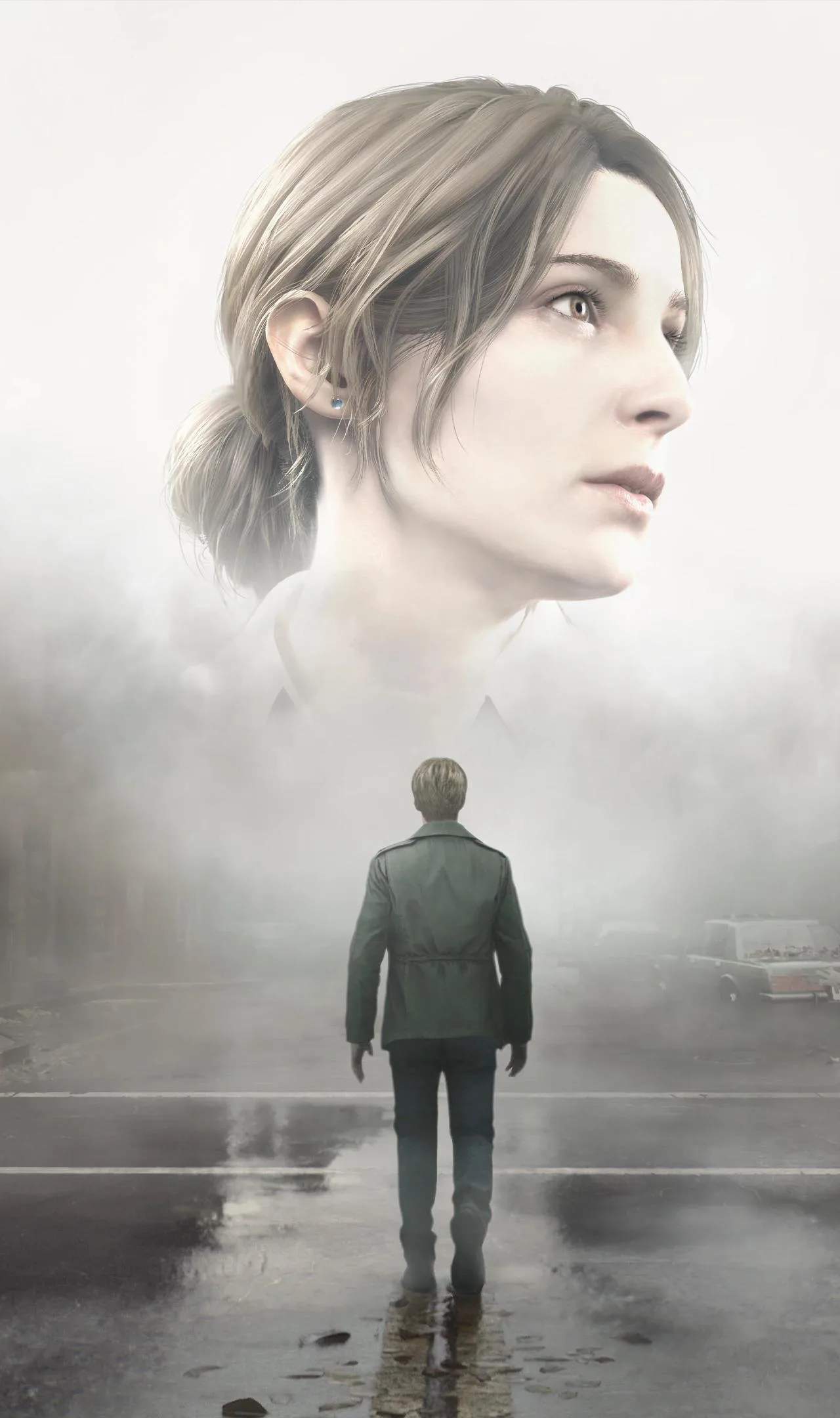
Navigating the complex and often disorienting world of Silent Hill 2 (Remake) requires a clear understanding of its User Interface (UI). The UI provides essential information at a glance, from James's health and inventory to objective markers and interaction prompts, ensuring you're never completely lost in the fog.
The Heads-Up Display (HUD)
The primary UI element is the Heads-Up Display (HUD), which is typically minimal to enhance immersion. It may include:
- Health Indicator: A subtle visual cue or icon that indicates James's current health status. This could be a color change, a vette effect, or a dedicated health bar.
- Weapon/Item Display: Shows your currently equipped weapon or item, allowing for quick identification.
- Ammo Count: Displays the remaining ammunition for your equipped firearm.
- Objective Prompts: Brief on-screen text indicating your current objective or available actions.
Inventory Management Screen
Accessed through a dedicated button (e.g., 'I' or 'Tab' on keyboard, a specific button on controller), the inventory screen is where you manage your collected items:
- Item Slots: Displays all the items James is currently carrying.
- Item Descriptions: Selecting an item will often bring up a description, providing clues about its use or lore sificance.
- Weapon Selection: You can equip and unequip weapons from this screen.
- Consumables: Health items and ammunition can be used directly from the inventory.
- Key Items: Special items required for puzzles or progression are clearly marked.
The Map Screen
As detailed in another section, the map is a critical UI element. It displays explored areas, objective markers, and points of interest. Understanding its layout and symbols is vital for navigation.
Interaction Prompts
When James is near an object he can interact with – such as a door, a note, a puzzle mechanism, or an item – a prompt will appear on screen. This prompt typically indicates the button or key required to initiate the interaction (e.g., "Press E to Open," "Press X to Examine").
Menu Navigation
Beyond the in-game HUD, you'll encounter various menus:
- Main Menu: Start a new game, load a save, access options, or quit.
- Options Menu: Adjust graphics, audio, controls, and gameplay settings.
- Pause Menu: Access your inventory, map, and game options during gameplay.
UI Des Philosophy
The UI in Silent Hill 2 (Remake) is desed to be unobtrusive, allowing the oppressive atmosphere and environmental storytelling to take center stage. Information is presented clearly but minimally, ensuring that You remains immersed in James's terrifying journey without being overwhelmed by on-screen clutter.
Tips for UI Usage
- Always check your health indicator, especially after combat.
- Familiarize yourself with the inventory screen for quick item access.
- Pay attention to interaction prompts to avoid missing crucial actions.
- Use the map frequently to orient yourself and track objectives.