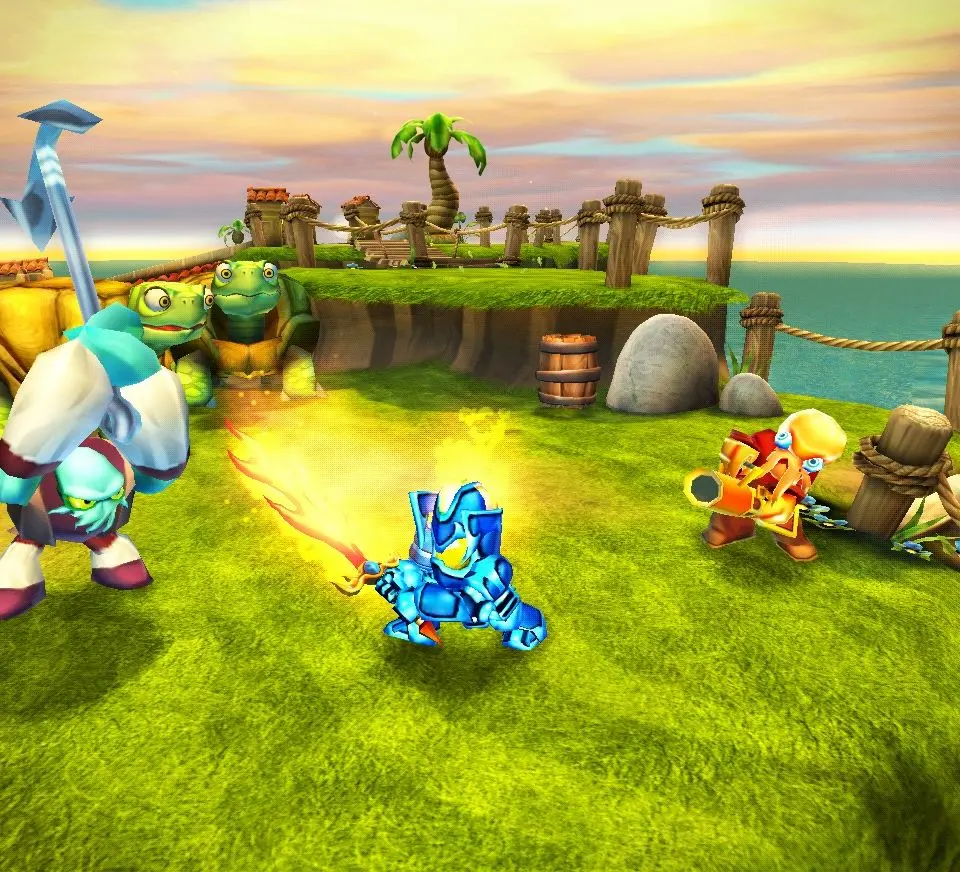
Understanding the controls is crucial for navigating Skylands and battling Kaos's minions. While specific button layouts vary slightly by console, the core actions remain consistent. The left analog stick (or D-pad) controls movement, allowing your Skylander to walk, run, and explore. The right analog stick (or C-stick on Wii) typically controls the camera, letting you adjust your view. Face buttons are used for primary attacks, secondary attacks, and jumping. The pause menu (usually Start or Plus button) allows you to access your inventory, character stats, and game options. Keep an eye on the top-left corner of the screen for your Skylander's health bar and the bottom-right for your current gold count and active power-ups.