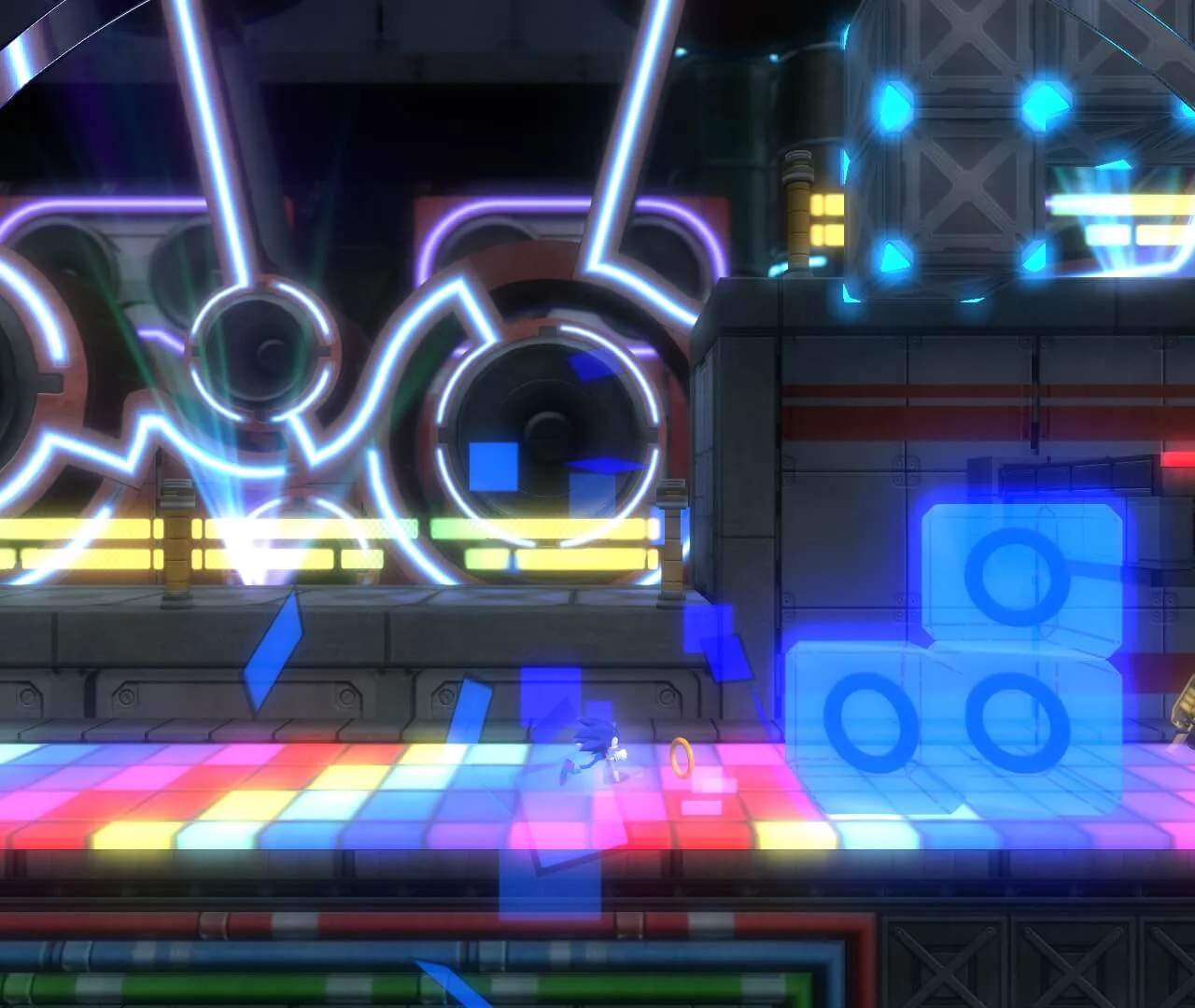
The Heads-Up Display (HUD) provides crucial information during gameplay:
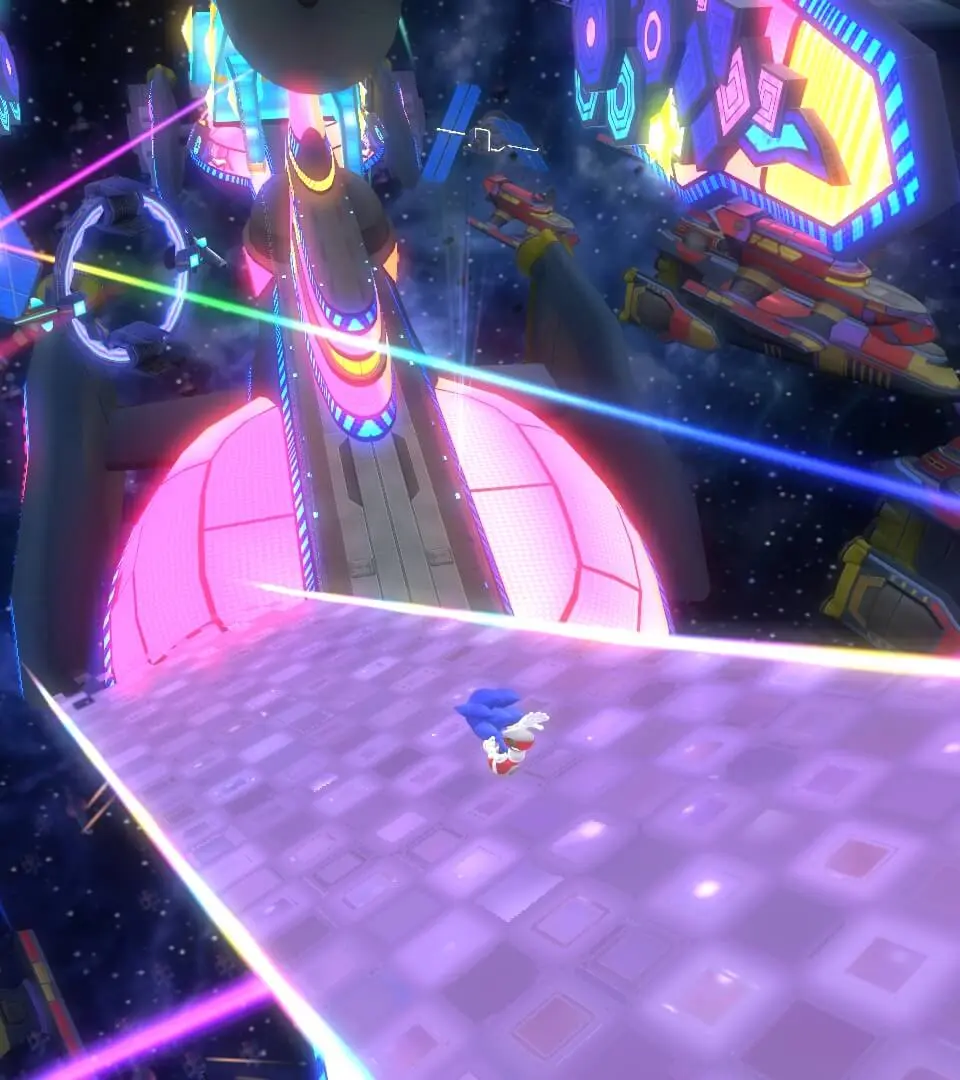
- Rings: Top-left corner. Collect 100 rings for an extra life. If you take damage, you lose all rings, but can recollect some before they disappear.
- Boost Gauge: Below the rings. Fills by collecting White Wisps or performing tricks. Depletes when using Boost.
- Wisp Icon: Bottom-left corner. Shows the currently selected Color Power and its remaining duration/uses.
- Score: Top-right corner. Increases by collecting rings, defeating enemies, and completing levels quickly.
- Time: Below the score. Tracks your level completion time, influencing your rank.
- Lives: Bottom-right corner. Represents your remaining attempts. Lose all rings and take damage, or fall into a pit, to lose a life.
Keep an eye on these elements to optimize your performance and survival.